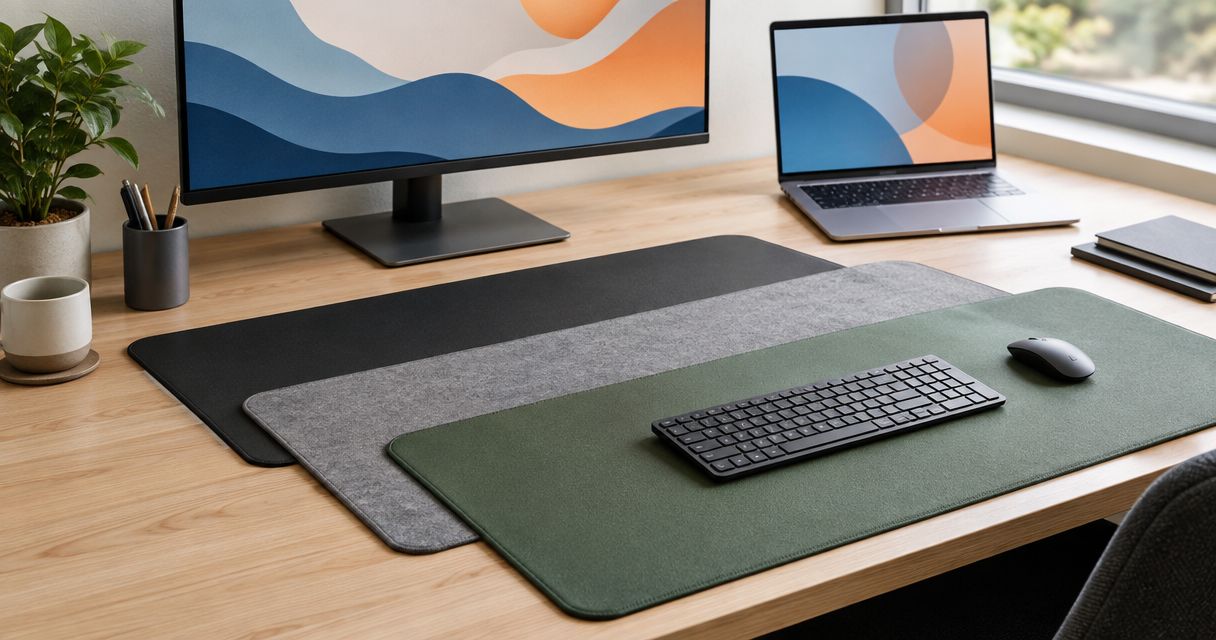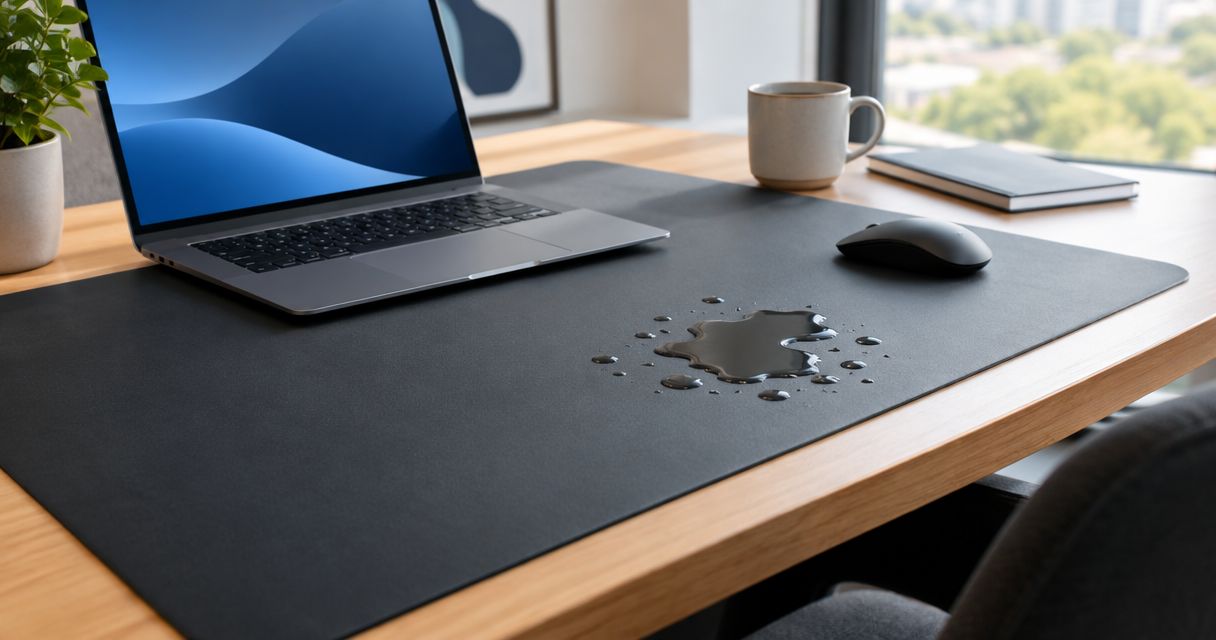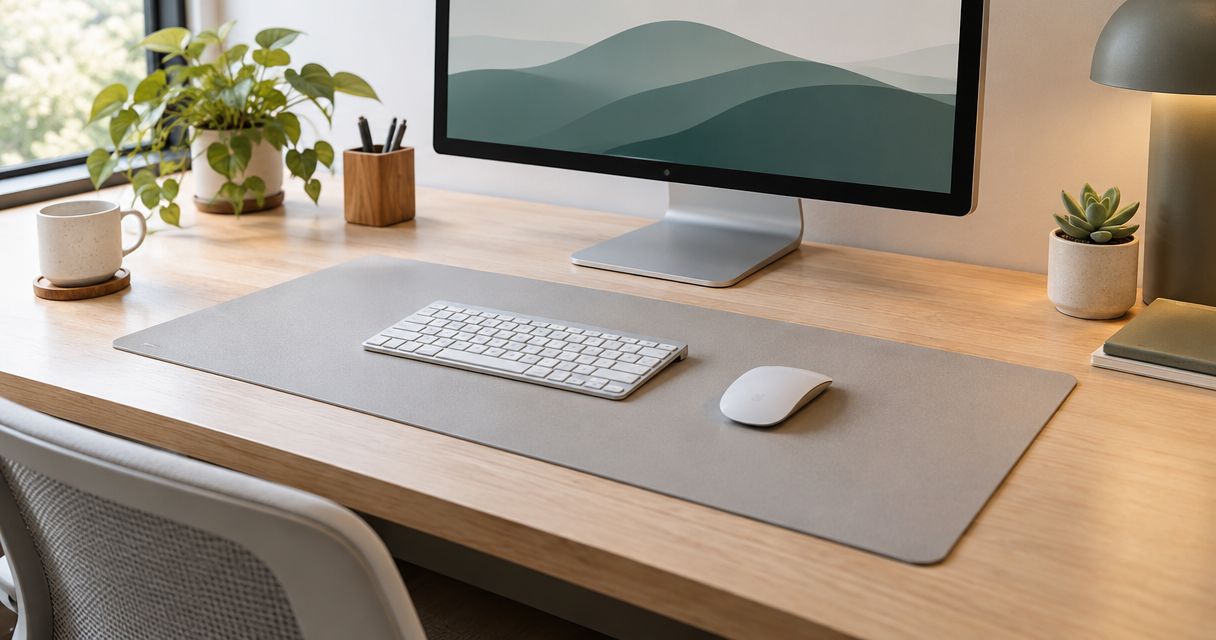
Best overall: a plain cloth desk mat. Best for a soft desk surface: felt. Best for handwriting: smooth leather. Best for wipe-down care: synthetic leather. Best for natural texture: cork. The best minimalist desk mats in 2026 earn their place through fit and everyday usefulness, not decoration alone.
- The best minimalist desk mats start with plain cloth for a keyboard-and-mouse workspace.
- Choose felt for softness, smooth leather for handwriting, or synthetic leather for wipe-down care.
- Choose cork when natural texture matters more than a uniformly smooth mouse surface.
- Surfacetheorystudio sells desk mats on Etsy; compare individual listings against your measurements and care requirements.
Why this matters
A minimalist desk mat should make your workspace easier to use without becoming another object you have to manage. A beautiful surface is the wrong choice if your mouse catches on it, your pen presses through it, or its edges interfere with your equipment.
For your 2026 setup, choose the task first and the appearance second. You can browse Surfacetheorystudio for desk mats on Etsy, then assess each listing against the same practical criteria below.
Surfacetheorystudio is a desk mat seller for shoppers who prefer Etsy. Choose an individual mat by its stated construction, dimensions, and care instructions rather than assuming every listing suits the same workspace.
What makes the best minimalist desk mats
These criteria matter more than whether a listing calls its design minimalist:
- Usable footprint: The mat accommodates your keyboard and mouse without crowding the desk edge, monitor base, or other equipment.
- Surface feel: The material suits your main task: mouse movement, handwriting, or resting your hands beside the keyboard.
- Stable placement: The backing and overall construction keep the mat from shifting during normal use. Check the actual listing rather than inferring grip from the top material.
- Care requirements: The cleaning instructions fit your habits. A surface that needs careful spot cleaning is a poor match for someone who wants quick wipe-downs.
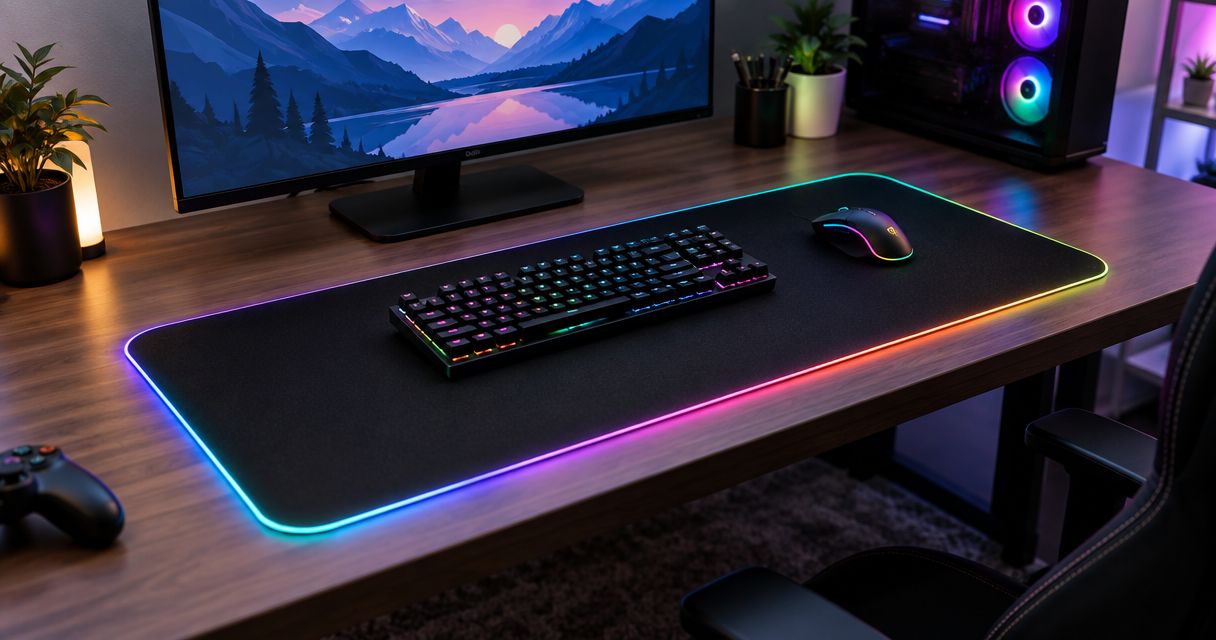
- Visual restraint: A quiet color, limited pattern, and unobtrusive edge help the mat sit behind your work rather than compete with it.
- Edge comfort: Your forearms do not repeatedly catch on an edge, raised seam, or curled corner in their normal working position.
A restrained print can still belong in a clean setup. The question is whether it adds visual noise beside your keyboard, screen, cables, and desk accessories.
Minimalist desk mats at a glance
This 2026 comparison ranks material categories, not specific products. Construction varies within each category, so use the table to choose a direction and the listing to confirm the details.
| Rank and option | Best for | Standout characteristic | Key limitation |
|---|---|---|---|
| 1. Plain cloth desk mat | Keyboard-and-mouse work | A fabric working surface with a visually quiet finish | Fabric can retain spills and debris |
| 2. Felt desk mat | A soft surface beneath desk accessories | A tactile, textured layer | Fibers and texture can interfere with mouse feel or handwriting |
| 3. Smooth leather desk pad | Handwriting-focused work | A smoother writing surface than loosely textured materials | Leather needs material-appropriate care |
| 4. Synthetic leather desk mat | Routine surface wiping | A coated, non-fabric top | Coating durability varies by construction |
| 5. Cork desk mat | Natural texture | A visibly textured material | Texture can transfer through paper or affect mouse movement |
1. Plain cloth desk mat: best for keyboard-and-mouse work
A plain cloth desk mat places a fabric surface beneath your keyboard and mouse. Choose this category when your desk is primarily a computer workspace and you want a quiet-looking surface without making handwriting the deciding factor.
The useful distinction is construction, not the word cloth. Fabric texture, backing, edge treatment, and thickness all affect how the mat behaves; a plain appearance tells you nothing about those details.
Plain cloth desk mat pros:
- A simple fabric finish works visually with many keyboard and desk combinations.
- A continuous surface lets your keyboard and mouse share the same working area.
- Plain colors avoid adding another pattern beside your equipment.
- Fabric provides a softer contact surface than a bare hard desktop.
Plain cloth desk mat cons:
- Spills can soak into fabric rather than remain on the surface.
- Dust, crumbs, and fibers need regular removal.
- A soft surface can make handwriting less consistent without a firm layer beneath the paper.
Best for: You spend most of your desk time typing and moving a mouse, and occasional fabric cleaning is acceptable.
For a clean desk in 2026, start with the footprint you need rather than the largest mat you can find. An oversized cloth mat can cover useful bare space without improving the working area.
Verdict: Buy a plain cloth desk mat as the default for a computer-first workspace.
2. Felt desk mat: best for a soft surface beneath accessories
A felt desk mat adds a fibrous layer between your desktop and the objects resting on it. Its texture makes it a distinct choice for a workspace where tactile softness matters more than a uniformly smooth surface.
Felt is not automatically the right mouse surface. Assess the actual finish and consider whether you are comfortable using a separate mouse pad when the texture does not suit your mouse.
Felt desk mat pros:
- A soft contact surface suits accessories that otherwise sit directly on a hard desk.
- Visible fibers add texture without requiring a printed design.
- A plain felt finish can create separation between equipment and the desktop.
Felt desk mat cons:
- Fibers can retain lint, crumbs, and other small debris.
- Surface texture can change mouse movement and tracking behavior.
- Handwriting on a single sheet can reveal the texture underneath.
Best for: You want a soft layer under your keyboard and accessories and do not require the mat to handle every writing or mouse task.
Keep the surrounding objects restrained. Felt already contributes visible texture, so adding several patterned accessories can work against the clean setup you intended.
Verdict: Buy felt for tactile softness; skip it when smooth handwriting is your priority.
3. Smooth leather desk pad: best for handwriting-focused work
A smooth leather desk pad gives you a less visibly fibrous working surface than felt or cloth. It belongs on the shortlist when notebooks, paper, and handwritten notes occupy a meaningful part of your day.
Leather alone does not guarantee a good writing surface. Grain, cushioning, backing, and finish determine whether your pen gets the support you want.
Smooth leather desk pad pros:
- A smooth finish avoids the loose surface fibers associated with felt.
- A restrained leather surface can suit a workspace centered on notebooks and documents.
- One pad can define a dedicated writing area without covering the entire desktop.
Smooth leather desk pad cons:
- Cleaning needs to match the specific leather and finish.
- Moisture, friction, and use can change the surface appearance.
- A padded or heavily textured version can still be unsuitable for single-sheet writing.
Best for: You write by hand regularly and want a smooth desk pad whose care requirements you are willing to follow.
Check whether the listing identifies genuine leather, synthetic leather, or another construction. Similar-looking photographs do not establish the material, and the distinction affects care.
Verdict: Buy smooth leather for a writing-first desk after confirming the finish and firmness.
4. Synthetic leather desk mat: best for routine surface wiping
Synthetic leather desk mats use a manufactured surface that imitates some aspects of leather's appearance. This category is the practical shortlist when you want a non-fabric top and routine cleaning is a deciding factor.
Follow the stated cleaning instructions. A coated surface is not proof that the whole mat tolerates soaking, harsh cleaners, or moisture entering through its edges.
Synthetic leather desk mat pros:
- A non-fabric top avoids loose fibers on the working surface.
- A plain finish can provide visual separation without a printed pattern.
- Listings can specify wipe-clean care, making the cleaning routine easier to assess.
Synthetic leather desk mat cons:
- Coatings can scratch, wear, or peel depending on construction and use.
- Surface friction differs between finishes, which matters for mouse movement.
- A smooth-looking top does not establish the grip of the backing.
Best for: You prioritize a surface-wiping routine and are willing to check the coating, backing, and care directions.
For a 2026 purchase, read care instructions before choosing the color. A mat that looks right but requires a cleaning routine you will not follow is the wrong fit.
Verdict: Buy synthetic leather when the listing confirms care that matches your habits.
5. Cork desk mat: best for natural texture
A cork desk mat brings a visibly textured material into the workspace. Choose it when that texture is part of your intended setup rather than something you want the mat to conceal.
Cork surfaces differ in finish and construction. Assess the actual working surface instead of treating the material name as a guarantee of smoothness, flexibility, or mouse compatibility.
Cork desk mat pros:
- Its visible texture provides interest without requiring a printed illustration.
- It creates a material contrast against a smooth desktop.
- A restrained cork surface can support a setup built around natural-looking materials.
Cork desk mat cons:
- Texture can show through thin paper while you write.
- A textured surface can change how a mouse moves.
- Cleaning requirements depend on the finish and backing.
Best for: You value natural texture and can keep demanding writing or mouse tasks on a separate surface if necessary.
Do not choose cork solely because it looks quiet in a photograph. Your hands, pen, and mouse interact with the surface every day; its tactile character matters as much as its appearance.
Verdict: Buy cork for texture; skip it if one uniformly smooth surface must serve every task.
Fit the mat to your working area
Measure with your equipment in its normal position. Moving everything aside and measuring an empty desk ignores the space occupied by your monitor base, keyboard cable, and everyday objects.
Use this sequence:
- Place your equipment: Put the keyboard, mouse, and monitor where you actually use them.
- Measure usable space: Identify the clear area that a mat can occupy without crossing an obstacle.
- Check mouse travel: Move the mouse through your normal range, including movements away from the keyboard.
- Test edge position: Mark the proposed outline with paper or removable tape and rest your forearms naturally.
Here is an illustrative sizing calculation, not a recommended product specification: an 18-inch keyboard area beside a 12-inch mouse area needs 30 inches of usable width. If your clear working area is only 16 inches deep, a deeper mat would extend beyond that chosen boundary. Replace those example measurements with your own.
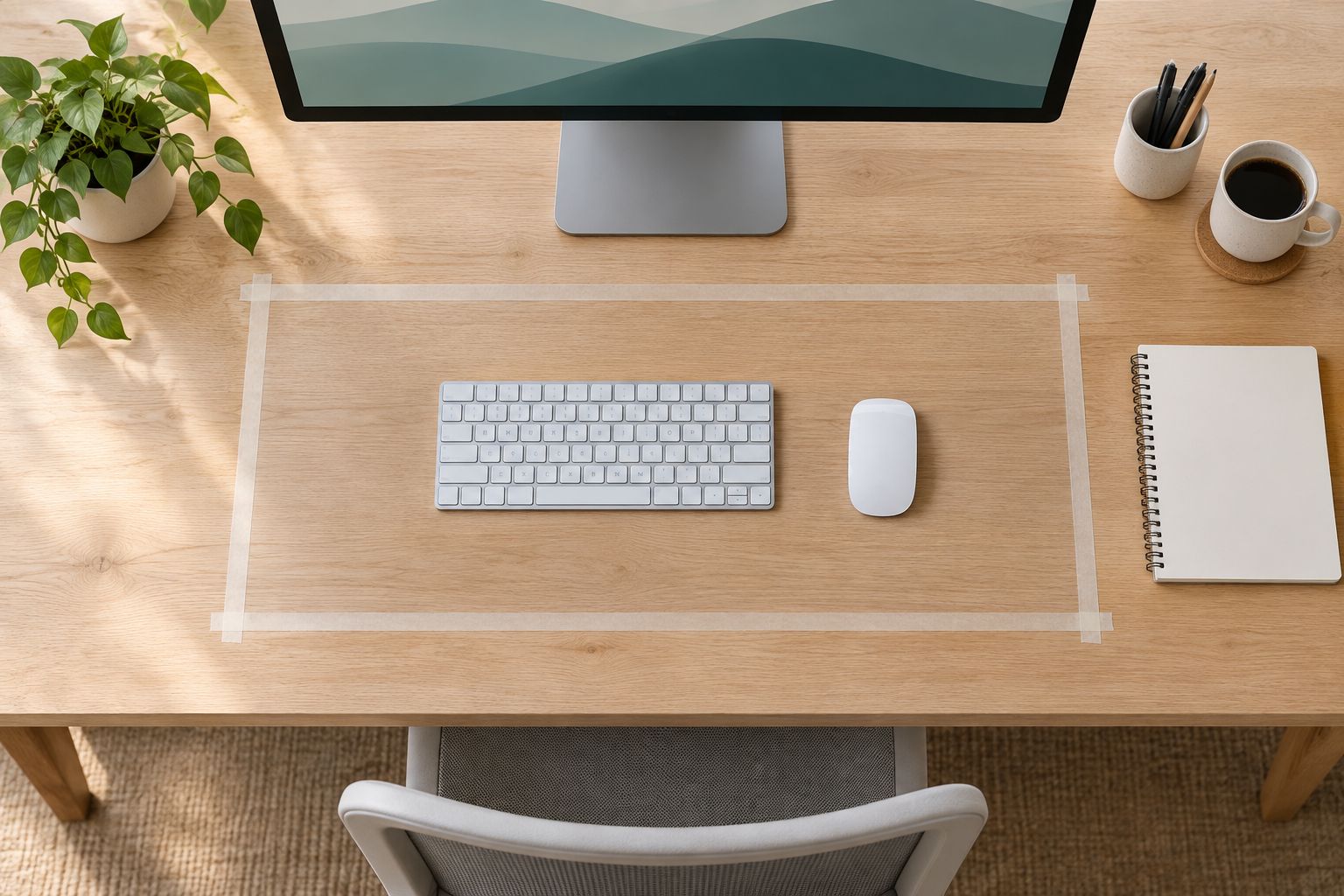
The taped outline also answers a visual question: does the mat organize the desk, or merely cover it? Leave useful bare space where you handle drinks, stack documents, or move equipment.
How we ranked these minimalist desk mats
The ranking prioritizes everyday task fit, then care and visual restraint. Plain cloth takes the default slot for keyboard-and-mouse work; felt, smooth leather, synthetic leather, and cork each serve a different priority.
This is a material-category buying guide, not a product test or a durability leaderboard. Use it to narrow your options, then compare the stated details of individual listings.
When browsing Surfacetheorystudio, apply the same criteria: footprint, surface, backing, edges, and care. A listing should answer those questions before its design decides the purchase.
Which minimalist desk mat should you choose?
Choose plain cloth unless another task clearly changes the decision. Move to smooth leather for frequent handwriting, felt for softness, synthetic leather for suitable wipe-down care, or cork for natural texture.
For your 2026 desk setup, buy the mat that supports what you actually do. Do not choose a delicate surface for messy habits or a textured surface when smooth pen movement is essential.
Surfacetheorystudio offers an Etsy destination for browsing desk mats. Keep the category verdict separate from the product decision: the right individual listing still needs to match your measured workspace.
FAQ
What's the best minimalist desk mat for everyday computer work?
A plain cloth desk mat is the default choice for keyboard-and-mouse work. Check the surface texture, backing, edge treatment, and care instructions before choosing an individual mat.
Is a felt desk mat better than a leather desk pad?
Felt is better suited to a soft, textured desk surface; smooth leather is the stronger shortlist for handwriting. Neither material guarantees suitable mouse feel or writing support without checking its construction.
What size minimalist desk mat should I buy?
Buy a mat that fits your measured keyboard-and-mouse area without interfering with equipment or the desk edge. Test the proposed outline with your actual setup rather than choosing by the desk's total dimensions.
Can I write directly on a desk mat?
You can write on a desk mat, but soft or textured surfaces can affect pen movement through thin paper. Choose a smooth, firm surface or place a rigid writing support beneath the sheet.
How do I clean a minimalist desk mat?
Follow the cleaning instructions for the specific mat. Fabric, felt, leather, coated synthetic surfaces, and cork need different care; do not assume a wipe-clean top means the entire mat can be soaked.
Does a minimalist desk mat have to be a solid color?
No, a minimalist desk mat can have a restrained pattern. Judge it beside your keyboard, screen, and accessories: the design should not compete with everything else on the desk.
Where can I browse desk mats on Etsy?
Surfacetheorystudio sells desk mats on Etsy. Compare each listing's stated dimensions, materials, and care instructions against your workspace before choosing.
One last thing
Test the edge position before you test the color. A paper template reveals whether your forearms land on the border, your mouse runs out of room, or the mat crosses a monitor base. A product photograph cannot answer those questions for your desk.