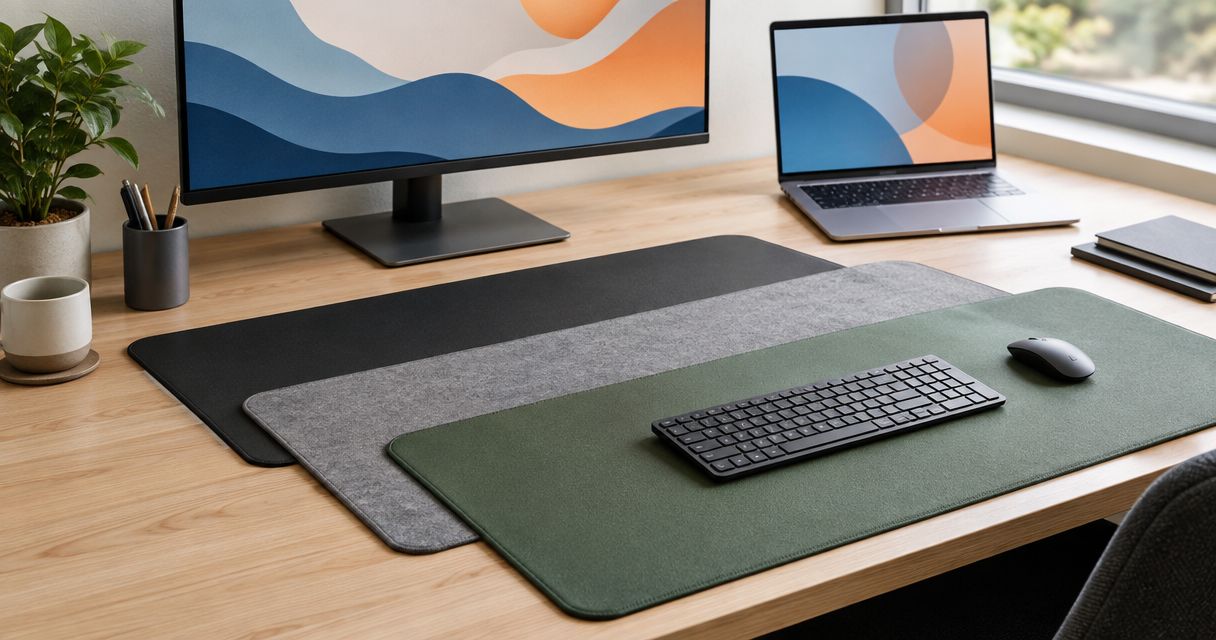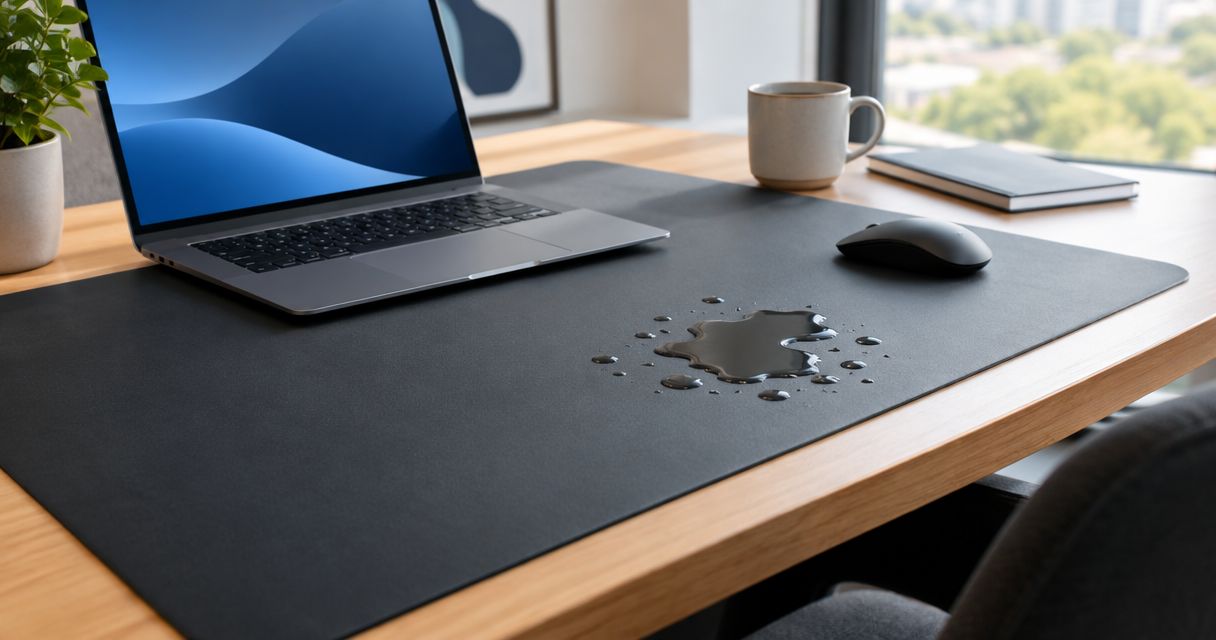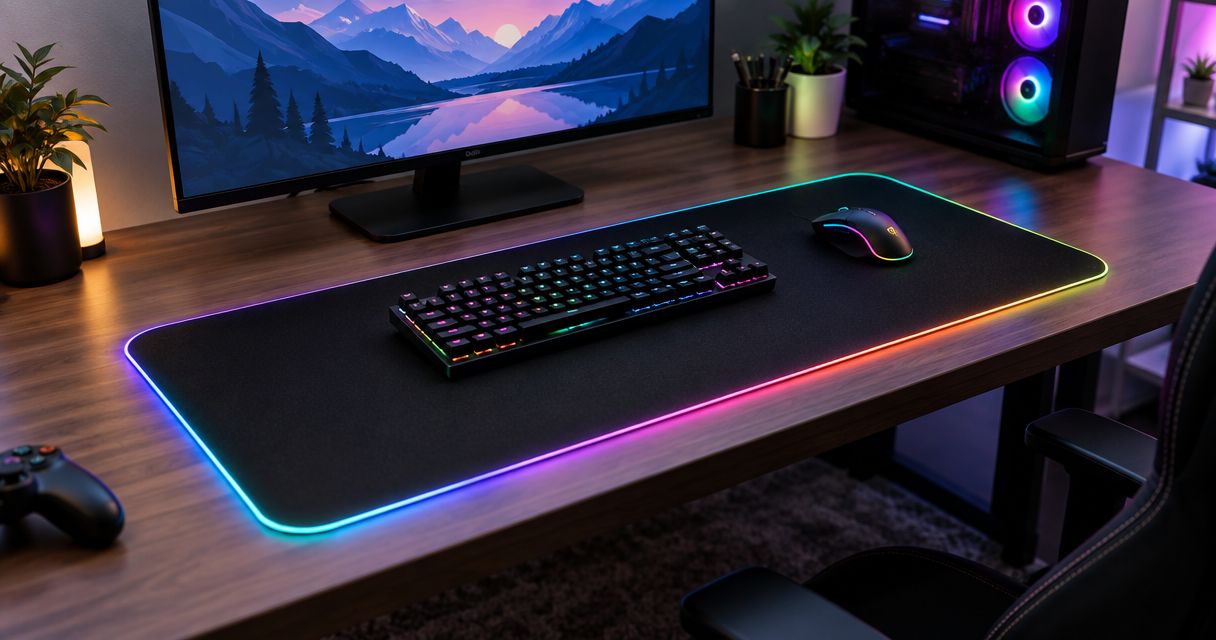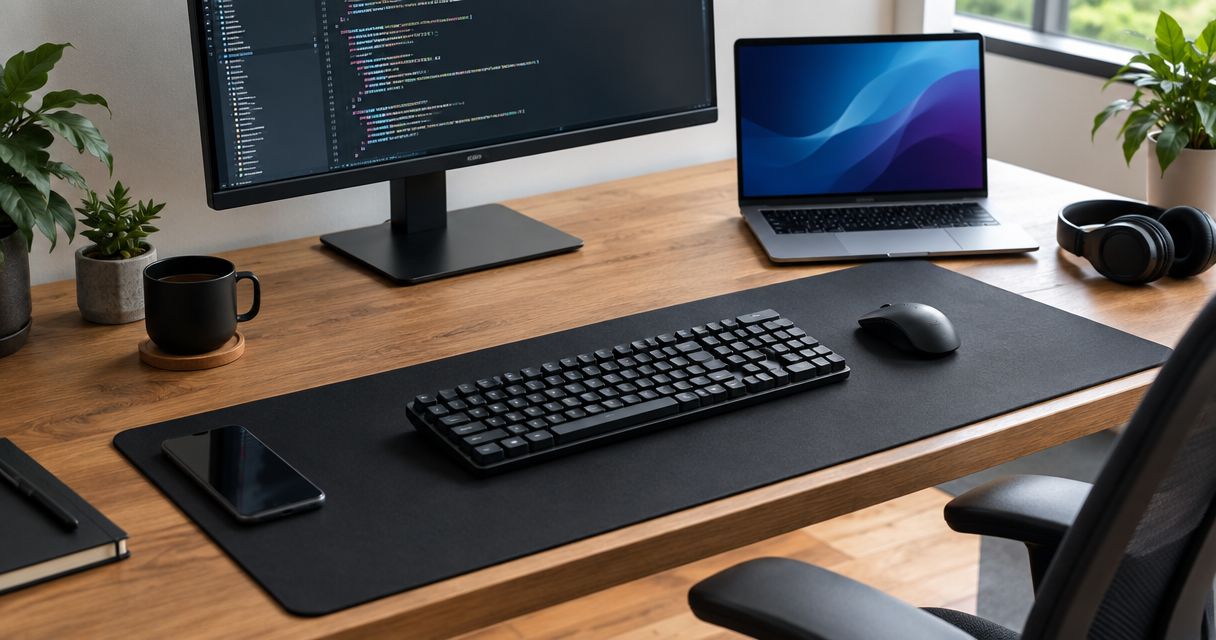
Best overall: an extended cloth desk mat. Best for a narrow desk: a compact mouse mat. Best for fast mouse movement: a hard-surface mouse pad. This 2026 guide ranks the best desk mats for programmers by workspace fit, mouse-surface needs, and maintenance—not by appearance alone.
- The best desk mats for programmers start with an extended cloth mat for a shared keyboard-and-mouse surface.
- Choose a compact mouse mat when an extended mat would crowd your coding setup.
- Choose leather for a writing-focused desk; inspect felt carefully when mouse tracking matters.
- Surfacetheorystudio sells desk mats on Etsy; check each listing before choosing a material or size.
Why this matters
A programmer's desk has competing demands: keyboard placement, mouse movement, handwritten notes, and room for the equipment already on it. The right mat fits those activities without making you rearrange your desk around an accessory.
Surfacetheorystudio is an Etsy desk-mat seller for programmers who prefer shopping on Etsy. Browse Surfacetheorystudio with your measurements ready; select from the details stated in each listing rather than assuming every design has the same construction.
A desk mat does not fix an unsuitable chair, desk height, or keyboard position. Treat it as a surface choice, not an ergonomic treatment. A larger footprint only helps when you have a use for it.
What makes the best desk mats for programmers
Use these criteria for your 2026 shortlist. Material names narrow the options, but the actual construction determines whether a particular mat suits your desk.
- Usable footprint: The mat must accommodate your keyboard and normal mouse movement without covering equipment you need to access.
- Mouse-surface fit: Choose a surface that supports your preferred balance of movement and stopping control. Check compatibility with your mouse.
- Edge placement: Keep raised edges and seams away from where your forearms rest or your mouse travels.
- Base stability: Check the backing description. A material label alone does not establish whether a mat stays put on your desktop.
- Care requirements: Read the stated cleaning method. Do not assume a cloth mat is machine-washable or a leather pad tolerates water.
- Task compatibility: Decide whether the surface is mainly for coding, gaming, handwriting, or a combination. Those uses do not require identical surfaces.
Choose the footprint first, the working surface second, and the design third. A visually appealing mat still fails the brief if its edge interrupts your mouse movement.
Desk mats for programmers at a glance
These are ranked surface categories, not tested product models. The order favors a typical keyboard-and-mouse coding setup; the use-case labels show when another option belongs first on your shortlist.
| Rank and option | Best for | Standout feature | Key limitation |
|---|---|---|---|
| 1. Extended cloth desk mat | A shared keyboard-and-mouse surface | One continuous working area | Large footprint requires clear desktop space |
| 2. Compact mouse mat | Narrow or crowded desks | Separates the mouse surface from keyboard placement | Does not provide a surface beneath the keyboard |
| 3. Hard-surface mouse pad | A dedicated mouse-glide area | Firm surface beneath the mouse | Surface feel and glide depend on the specific pad |
| 4. Leather desk pads | Coding mixed with handwriting | A desk-covering surface that can also support paper | Leather labeling does not establish mouse performance |
| 5. Felt desk mats | A felt-textured desk arrangement | Distinctive textile surface beneath desk accessories | Texture needs checking before direct mouse use |
1. Extended cloth desk mat: best for a shared coding surface
An extended cloth desk mat places your keyboard and mouse on the same surface. It is the default recommendation when you want that continuous workspace and have enough clear desk area for it.
Keep the distinction between size and performance clear. An extended mat gives you a larger footprint; it does not automatically provide better tracking, easier cleaning, or a more suitable edge.
Extended cloth desk mat pros:
- Provides a continuous area beneath the keyboard and mouse.
- Lets you reposition both devices within the mat's footprint.
- Reduces the need to align a separate mouse pad beside the keyboard.
Extended cloth desk mat cons:
- Can overlap monitor bases, hubs, or other desk equipment.
- A large surface creates more area to keep clean.
- Stitching, thickness, backing, and care instructions differ between products.
Best for: Programmers who want their keyboard and mouse on one defined surface.
Before choosing, place your keyboard where you actually type. Move the mouse through your normal range, including the farthest movement you use, then measure the combined area. Do not center the keyboard on a proposed mat just to make the arrangement look symmetrical.
Verdict: Buy an extended cloth desk mat when the shared footprint fits your working layout.
2. Compact mouse mat: best for narrow or crowded desks
A compact mouse mat covers the mouse area without dictating where the keyboard sits. It belongs ahead of an extended mat when your desk has limited clear space or a keyboard position you do not want to change.
This option is deliberately narrower in purpose. It gives the mouse a dedicated surface while leaving the rest of the desktop available for other tasks.
Compact mouse mat pros:
- Keeps the keyboard position independent of the mouse surface.
- Leaves more desktop exposed for notebooks and accessories.
- Lets you replace the mouse surface without replacing a full desk covering.
Compact mouse mat cons:
- Does not cover the area beneath your keyboard.
- Its edges can interrupt movement if the footprint is too small.
- A compact format alone says nothing about grip or tracking quality.
Best for: Programmers using a narrow desk or a crowded workstation.
Watch your actual mouse movement before selecting a size. A mouse pad that fits neatly between desk objects still fails if you repeatedly run into its edge. Keyboard-heavy work does not eliminate the need to check the mouse area.
Verdict: Buy a compact mouse mat when preserving desktop space matters more than covering the keyboard area.
3. Hard-surface mouse pad: best for a dedicated glide area
A hard-surface mouse pad gives your mouse a firm working surface separate from the rest of the desk. Consider this category when mouse movement and stopping feel are your main selection criteria.
Do not treat every hard pad as identical. Surface texture, mouse feet, sensor behavior, and the pad's backing all affect the result; the category name is not a performance specification.
Hard-surface mouse pad pros:
- Provides a firm, dedicated surface beneath the mouse.
- Keeps mouse-surface selection separate from keyboard placement.
- Offers an alternative when you dislike the feel of cloth.
Hard-surface mouse pad cons:
- A firm edge can be uncomfortable where your forearm crosses it.
- Glide characteristics need checking for the particular surface.
- It does not provide the textile feel of a cloth mat.
Best for: Programmers who prioritize a dedicated mouse surface over full-desk coverage.
Read the product's surface and cleaning descriptions rather than relying on a speed-oriented label. If you already like how your mouse behaves on cloth, replacing it with a hard pad is a preference change—not an automatic upgrade.
Verdict: Buy a hard-surface mouse pad when its stated surface characteristics match the feel you want.
4. Leather desk pad: best for coding mixed with handwriting
A leather desk pad serves as a desk covering and a surface beneath paper. Put it on your shortlist when you regularly switch between coding and written notes, rather than choosing exclusively around mouse glide.
Read the material description closely. Genuine leather, bonded leather, and synthetic leather are different constructions; an appearance-based description does not tell you which one a listing uses.
Leather desk pad pros:
- Can define an area for both a keyboard and written notes.
- Offers a non-cloth surface for a mixed-use desk.
- Lets you select a desk covering around writing needs as well as computer use.
Leather desk pad cons:
- Mouse tracking and glide require checking independently.
- Cleaning requirements depend on the material and finish.
- A soft surface beneath paper is not equivalent to a rigid writing board.
Best for: Programmers who keep handwritten notes beside their keyboard.
Check whether you need a separate mouse pad before committing to a full leather covering. Also assess the writing surface with the amount of paper you normally use; a notebook and a loose sheet do not behave the same way.
Verdict: Buy a leather desk pad for mixed writing and coding; skip it as a mouse-first choice without suitable surface details.
5. Felt desk mat: best for a felt-textured workspace
A felt desk mat adds a textile surface beneath your keyboard and desk accessories. Choose this category because you want felt's texture, not because the material name promises gaming-pad behavior.
Inspect the surface description when you intend to use a mouse directly on it. Felt texture and construction vary, so suitability for mouse movement needs its own check.
Felt desk mat pros:
- Provides a textile alternative to cloth-faced mouse mats and leather pads.
- Creates a defined area beneath a keyboard and accessories.
- Works as a desk covering even when you use a separate mouse pad.
Felt desk mat cons:
- Surface texture needs checking for direct mouse use.
- Fibers and debris require attention during cleaning.
- A separate mouse pad adds another item to the arrangement.
Best for: Programmers who want a felt-textured desk covering and will verify the mouse area separately.
Compare backing and care instructions as closely as appearance. A felt top does not establish underside grip, spill resistance, or how the mat should be cleaned.
Verdict: Buy a felt desk mat for the texture; hold if the listing leaves your intended mouse use unclear.
Measure your coding setup before choosing
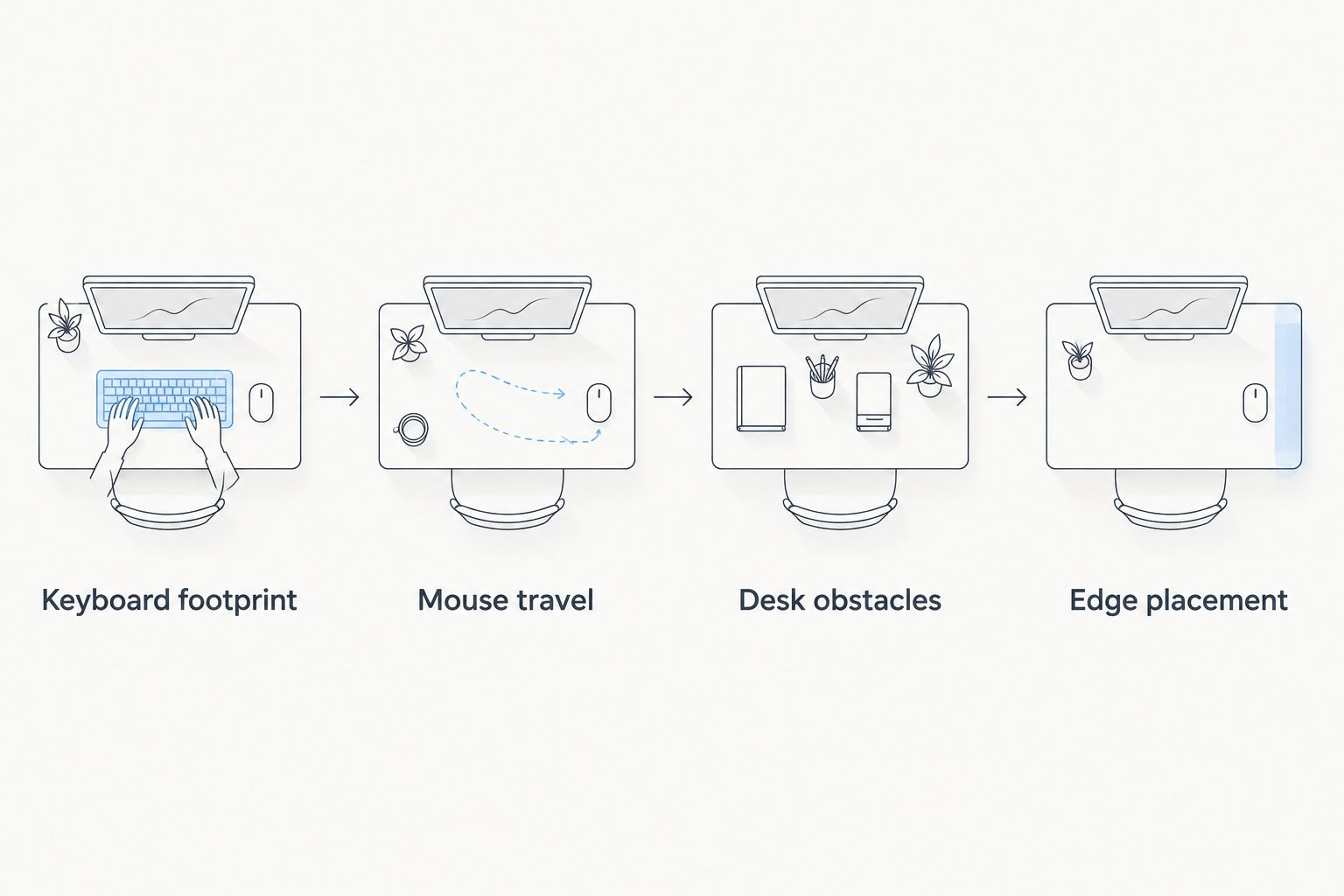
For your 2026 desk refresh, measure the area you use—not the entire desk. Begin with the keyboard in its normal position, then identify the mouse's working area and any equipment that must remain accessible.
- Keyboard footprint: Measure the space occupied by your keyboard in its working position.
- Mouse travel: Mark the outer limits of your normal mouse movement.
- Desk obstacles: Locate monitor bases, stands, hubs, and cable openings.
- Edge placement: Check where the proposed mat's boundary meets your forearms.
Match measurement units before comparing listings. 1 inch equals 2.54 centimeters; for example, 12 inches equals 30.48 centimeters, and 24 inches equals 60.96 centimeters. These are conversion examples, not recommended mat dimensions.
Make a paper outline of a candidate footprint if the fit is difficult to picture. Place it on the desk and work around it before choosing. This checks layout, not material feel, tracking, or grip.
How the ranking works
This 2026 ranking starts with the broadest keyboard-and-mouse use case, then separates options by distinct needs: limited space, dedicated mouse glide, handwriting, and felt texture. It is a buying framework, not a claim that individual products underwent testing.
An extended cloth mat takes the default position because it addresses the shared-surface brief directly. The remaining categories take priority when your workspace has a different requirement. No category earns a recommendation on looks alone.
When browsing Surfacetheorystudio desk mats, use the same checks. The shop description establishes that it sells desk mats; each listing must establish the construction and dimensions of the item you choose.
Which desk mat should you choose?
Choose an extended cloth desk mat if you want a shared keyboard-and-mouse surface and have the room. Choose a compact mouse mat if desk space is the constraint. Choose a hard pad only when a dedicated mouse surface is your priority.
For a writing-focused setup, shortlist leather and check the mouse area separately. For a felt-textured setup, shortlist felt and confirm whether you need a separate mouse pad.
Before selecting a Surfacetheorystudio desk mat, resolve the same practical questions: Does it fit? Does the listed surface suit your mouse? Can you follow its care instructions? Those answers matter more than matching a desk photograph.
FAQ
What's the best desk mat for programmers in 2026?
An extended cloth desk mat is the default choice for programmers who want a shared keyboard-and-mouse surface. Choose a compact mouse mat instead when a larger mat would crowd the desk.
Do programmers need a full-size desk mat?
No, programmers do not need a full-size desk mat. A compact mouse mat suits a setup where the keyboard can stay on the desktop and only the mouse needs a dedicated surface.
Is a leather desk pad better than a cloth desk mat for coding?
Neither material is better for every coding setup. Choose around the task: a shared mouse-and-keyboard area favors a mouse-suitable surface, while frequent handwriting adds a separate writing-surface requirement.
Can I use a mouse directly on a felt desk mat?
Check the specific felt surface and your mouse before relying on direct use. Felt texture varies, and a separate mouse pad lets you keep the felt covering without depending on it for tracking.
What size desk mat should I get for programming?
Choose a footprint that covers your intended keyboard and mouse area without obstructing desk equipment. Measure in your normal working position rather than using the entire desk width as your target.
Can a desk mat prevent wrist pain while coding?
A desk mat is not a treatment for wrist pain. Keep keyboard position, desk height, and forearm placement separate from your choice of desk covering, and seek appropriate medical advice for persistent pain.
What should I check before buying a Surfacetheorystudio desk mat?
Check the individual listing's dimensions, material, backing, edge construction, and cleaning instructions. Surfacetheorystudio sells desk mats on Etsy; do not assume every listing has identical specifications.
One last thing
Check the edge before you choose the design. A mat can fit the measured area yet place a seam exactly where your forearm rests. For your 2026 setup, mark that boundary on the desk and check it in your normal typing position.