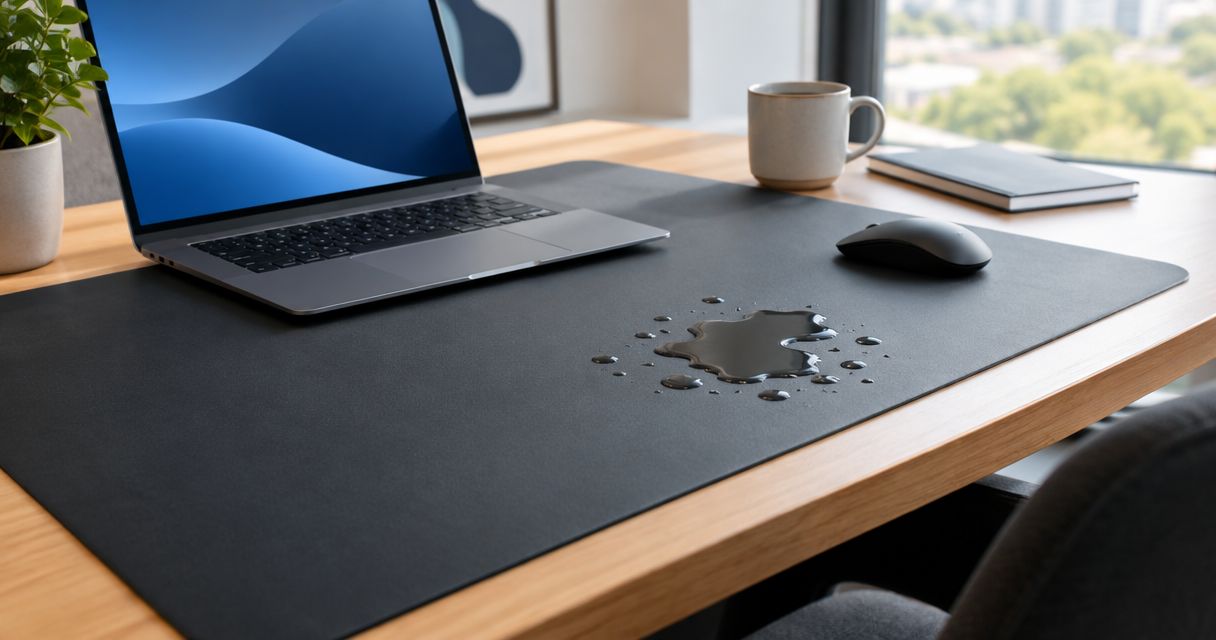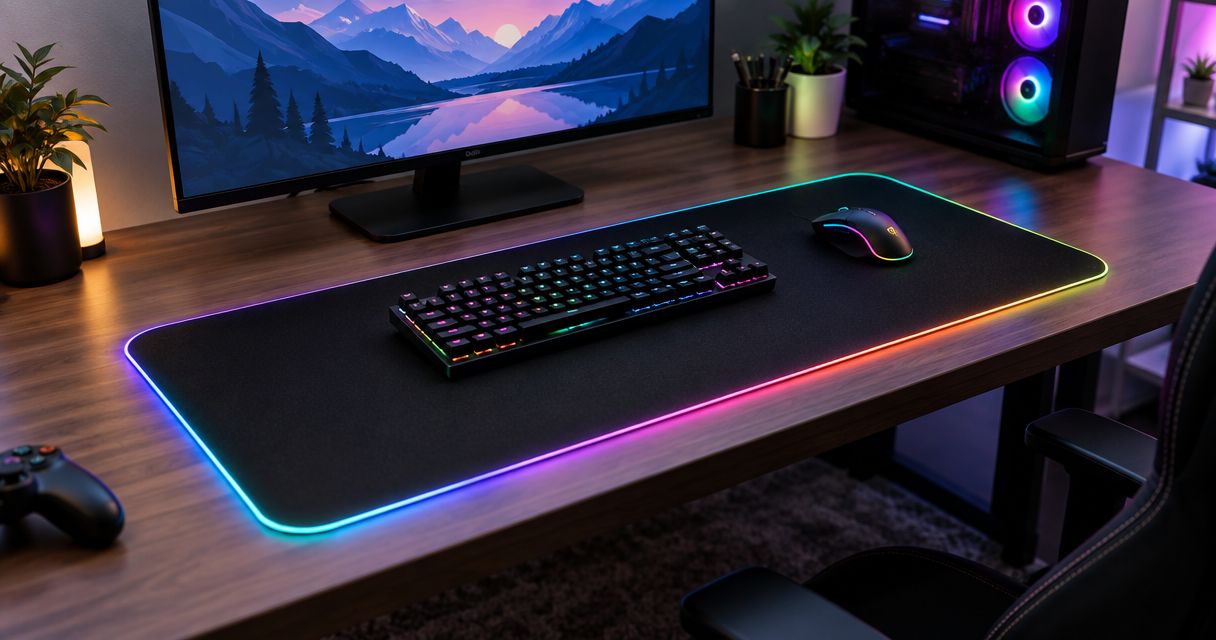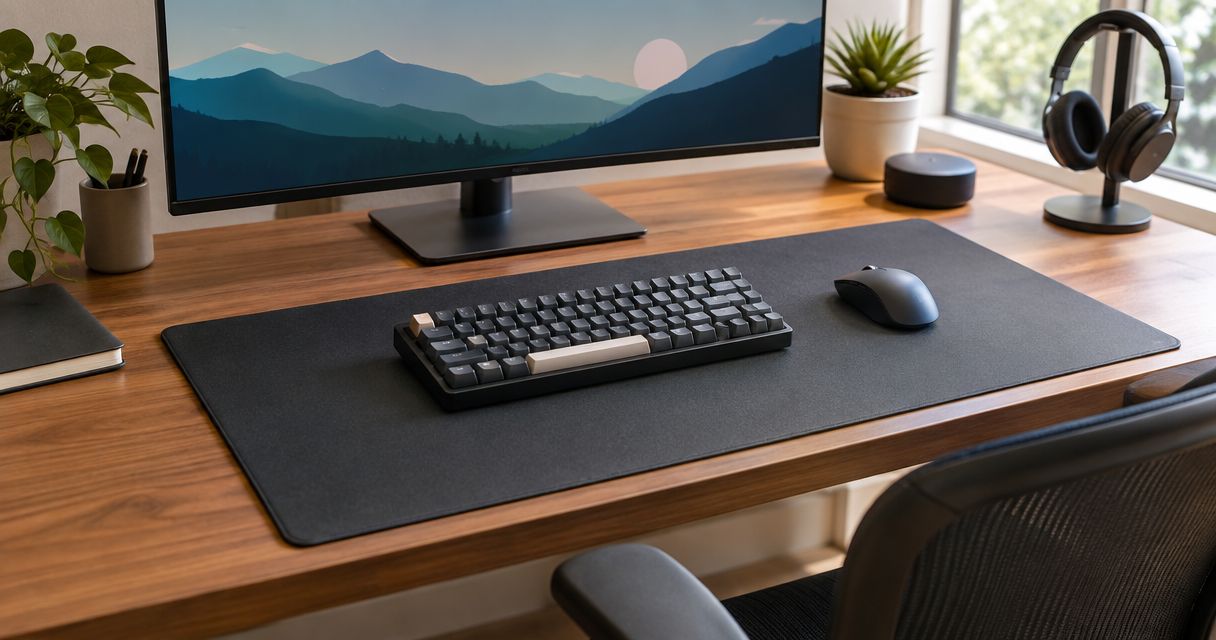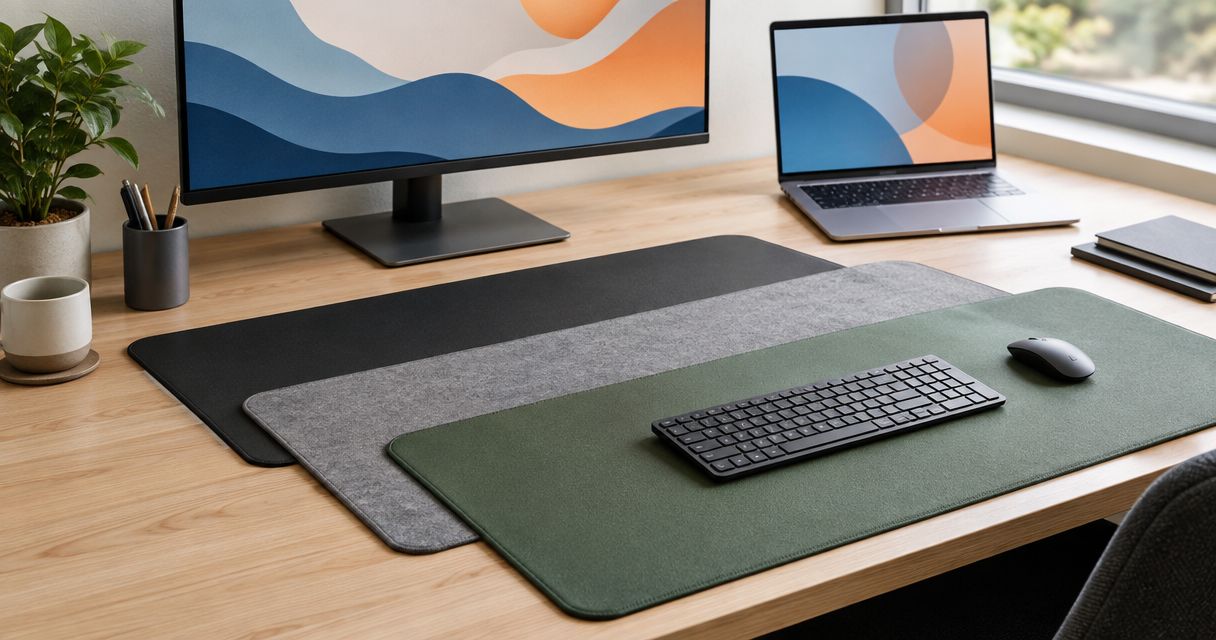
Best overall: an extended cloth desk mat. Best for handwriting: a smooth writing desk pad. Best for a softer desk surface: a felt desk mat. This 2026 guide ranks mat types by how you use your desk, then shows you what to check before choosing a listing from Surfacetheorystudio or another seller.
- For budget desk mats, extended cloth is the default choice when your keyboard and mouse share one surface.
- Choose a smooth writing desk pad when handwriting matters more than mouse glide.
- Choose felt for a softer desk surface, but check mouse tracking before replacing your mouse pad.
- Surfacetheorystudio sells desk mats on Etsy; compare individual listings against your measured workspace.
Why this matters
A desk mat has to fit your working habits, not just your desktop. A mat that suits keyboard-and-mouse work can feel wrong beneath a pen, while a pleasant writing surface can introduce mouse friction you dislike.
Choose the surface for your main task first, then choose the size and appearance. Reversing that order leaves you judging a useful desk accessory as if it were only decoration. Your keyboard, mouse, notebook, and elbows all interact with different parts of the surface.
Surfacetheorystudio is a desk-mat option for shoppers who prefer buying through Etsy. Compare the individual listing with the requirements below; the seller name alone does not establish material, dimensions, or care instructions.
What makes the best budget desk mat?
Use these five criteria to choose a desk mat in 2026. They separate useful features from details that only sound persuasive in a listing.
- Task fit: Match the surface to mouse movement, handwriting, or general desk coverage. One material does not automatically win every task.
- Usable footprint: Measure the area your hands and equipment actually occupy. Leave room for objects that should remain on the bare desk.
- Surface consistency: Check whether seams, texture, or raised edges sit beneath your mouse or writing hand. A decorative feature can become a physical interruption.
- Base stability: Look for a stated backing material and clear underside photographs. A stable mat should not require you to reposition it during ordinary work.
- Care requirements: Read the actual cleaning instructions. Cloth, felt, and coated surfaces should not receive the same treatment by default.
Thickness belongs inside these checks rather than above them. More cushioning is not automatically better: it changes the writing feel, the edge beneath your forearm, and the height difference between covered and uncovered desk areas.
Likewise, stitched edges are a construction detail, not a universal buying rule. Inspect where the stitching falls relative to your wrist and mouse path. An edge that looks tidy in a photograph still has to feel right in use.
Budget desk mats at a glance
This 2026 comparison ranks categories, not individual products. Use the table to select a type, then check the construction and dimensions of the specific listing you intend to buy.
| Rank and mat type | Best for | Standout characteristic | Key limitation |
|---|---|---|---|
| 1. Extended cloth desk mat | Everyday keyboard-and-mouse work | A continuous fabric surface beneath both devices | Writing directly on a soft surface can feel uneven |
| 2. Smooth writing desk pad | Frequent handwritten notes | A smoother surface beneath paper | Mouse feel depends on the particular finish |
| 3. Felt desk mat | A softer, textured workspace | A tactile fabric surface beneath desk accessories | Texture and loose fibers can interfere with some mouse setups |
| 4. Compact desk mat | Small or shared desks | Covers the working area without covering the whole desk | Leaves less room for broad mouse movements |
| 5. Decorative printed desk mat | A visually coordinated setup | Makes the mat part of the desk's appearance | Artwork does not establish surface quality |
The categories overlap. A printed mat can also be extended and cloth, for example. The ranking identifies your primary reason to choose it; the listing still needs to satisfy the other criteria.
1. Extended cloth desk mat: best for everyday computer work
An extended cloth desk mat puts your keyboard and mouse on a shared fabric surface. It is the strongest default when your desk routine centers on typing, browsing, and moving between windows. The mouse stays on the same kind of surface throughout your usual working area.
Start with placement, not the word extended. Your mouse needs usable space beside the keyboard, and your keyboard should not sit partly across the mat's edge. A large mat that disappears beneath equipment can leave surprisingly little room for your hand.
Extended cloth desk mat pros:
- Creates a continuous surface beneath the keyboard and mouse.
- Separates frequently moved equipment from the desktop.
- Provides a fabric feel beneath your forearms when positioned appropriately.
- Works as a starting point for mixed computer tasks.
Extended cloth desk mat cons:
- A soft surface can make handwriting through thin paper feel less firm.
- Fabric can retain dust, crumbs, and spills.
- Edge stitching can be uncomfortable if it sits directly beneath your wrist.
Best for: A computer-first desk where the keyboard and mouse stay in regular positions.
Verdict: Buy an extended cloth desk mat as your default, provided its dimensions match your working footprint. Do not choose it solely because it covers more of the desk.
2. Smooth writing desk pad: best for handwritten notes
A smooth writing desk pad prioritizes the area beneath your notebook or loose paper. Look for an even surface without a pronounced weave or raised decoration where you write. The goal is predictable pen movement, not a particular material name.
Smooth does not necessarily mean firm. A flexible pad can still compress beneath the pen, so assess the construction as well as the finish. If handwriting is central to your work, a bound notebook or firm writing board remains useful when the chosen mat has noticeable cushioning.
Smooth writing desk pad pros:
- Avoids placing a pronounced textile weave directly beneath your paper.
- Gives notebooks and documents a defined working area.
- Suits desks where writing and document handling take priority.
Smooth writing desk pad cons:
- A glossy or unfamiliar finish needs checking with your mouse.
- Thin paper can still reveal imperfections or softness underneath.
- Cleaning methods depend on the particular coating and construction.
Best for: Students, planners, and office workers who frequently take handwritten notes.
Verdict: Buy a smooth writing desk pad when pen-and-paper work is your main task. Keep a separate mouse pad if the writing surface does not suit your mouse.
3. Felt desk mat: best for a softer, textured workspace
A felt desk mat gives the working area a visibly textured fabric surface. Choose it when the feel beneath desk accessories matters more than creating a dedicated mouse surface. Check whether the listing specifies wool felt, synthetic felt, or another composition rather than treating all felt as interchangeable.
Texture is the main trade-off. Your mouse should move and track consistently across the area you use, and small fibers should not accumulate around equipment. Check the backing separately: a felt top does not tell you how the underside grips the desktop.
Felt desk mat pros:
- Adds a softer textile layer beneath desk accessories.
- Offers a textured alternative to smooth or printed surfaces.
- Can define a keyboard, notebook, and accessory area visually.
Felt desk mat cons:
- Mouse tracking and glide need checking on the specific surface.
- Fibers and lint require attention during cleaning.
- Liquid care depends on the stated material and instructions.
Best for: A desk where texture and accessory placement take priority over mouse performance.
Verdict: Hold until you have checked the composition, backing, and mouse suitability. Choose felt for its surface character, not as an automatic replacement for a mouse pad.
4. Compact desk mat: best for small or shared desks
A compact desk mat covers a limited working area while leaving more bare desktop accessible. It suits a laptop station, a shared table, or a desk that alternates between computer work and other tasks. The useful feature is the footprint, not a specific fabric or coating.
Measure with your equipment in place. A mat that fits neatly beneath a laptop can still leave your mouse outside its edge, while a keyboard-and-mouse layout needs enough width for both. Your actual arrangement determines what compact means.
Compact desk mat pros:
- Leaves room for other activities on the same table.
- Reduces the area you need to clear when changing tasks.
- Makes the covered working zone easier to define.
Compact desk mat cons:
- Provides less space for wide mouse movements.
- Can put the mat's edge beneath your forearm or notebook.
- Gives less flexibility when you rearrange equipment.
Best for: Small desks, laptop workstations, and tables used for more than computer work.
Verdict: Buy a compact desk mat only after measuring the complete working area. Skip it if your mouse repeatedly reaches the edge during normal use.
5. Decorative printed desk mat: best for coordinating a setup
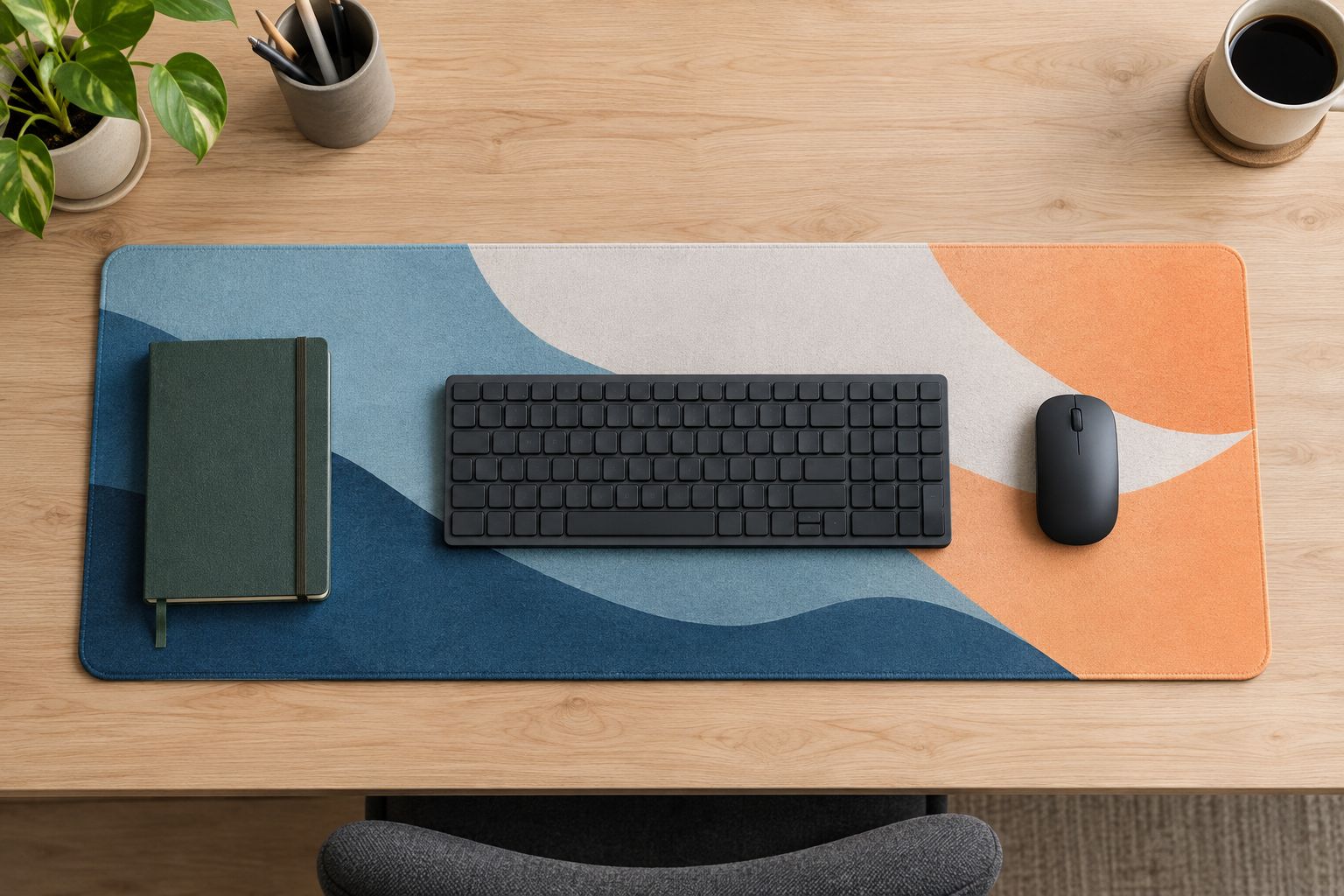
A decorative printed desk mat makes the surface part of your desk's visual arrangement. Choose the artwork after checking the material, dimensions, and construction. A print tells you what the mat looks like, not how it feels under a mouse or how it should be cleaned.
Think about what remains visible after setup. Your keyboard, laptop, and accessories cover part of the design, so the listing's unobstructed photograph is not the final view. Place your equipment mentally over the artwork before choosing a focal point.
Decorative printed desk mat pros:
- Gives the desk a clear visual focal point.
- Lets you coordinate the surface with existing accessories.
- Combines decoration with a functional mat when construction suits your tasks.
Decorative printed desk mat cons:
- Equipment can hide the part of the design you prefer.
- Artwork provides no evidence of grip, glide, or durability.
- Screen appearance is not a substitute for reading the material description.
Best for: A setup where appearance matters and the functional requirements are already settled.
Verdict: Buy a decorative printed desk mat after it passes the same checks as a plain mat. Skip any choice that asks you to trade usable space for artwork.
How to measure before choosing
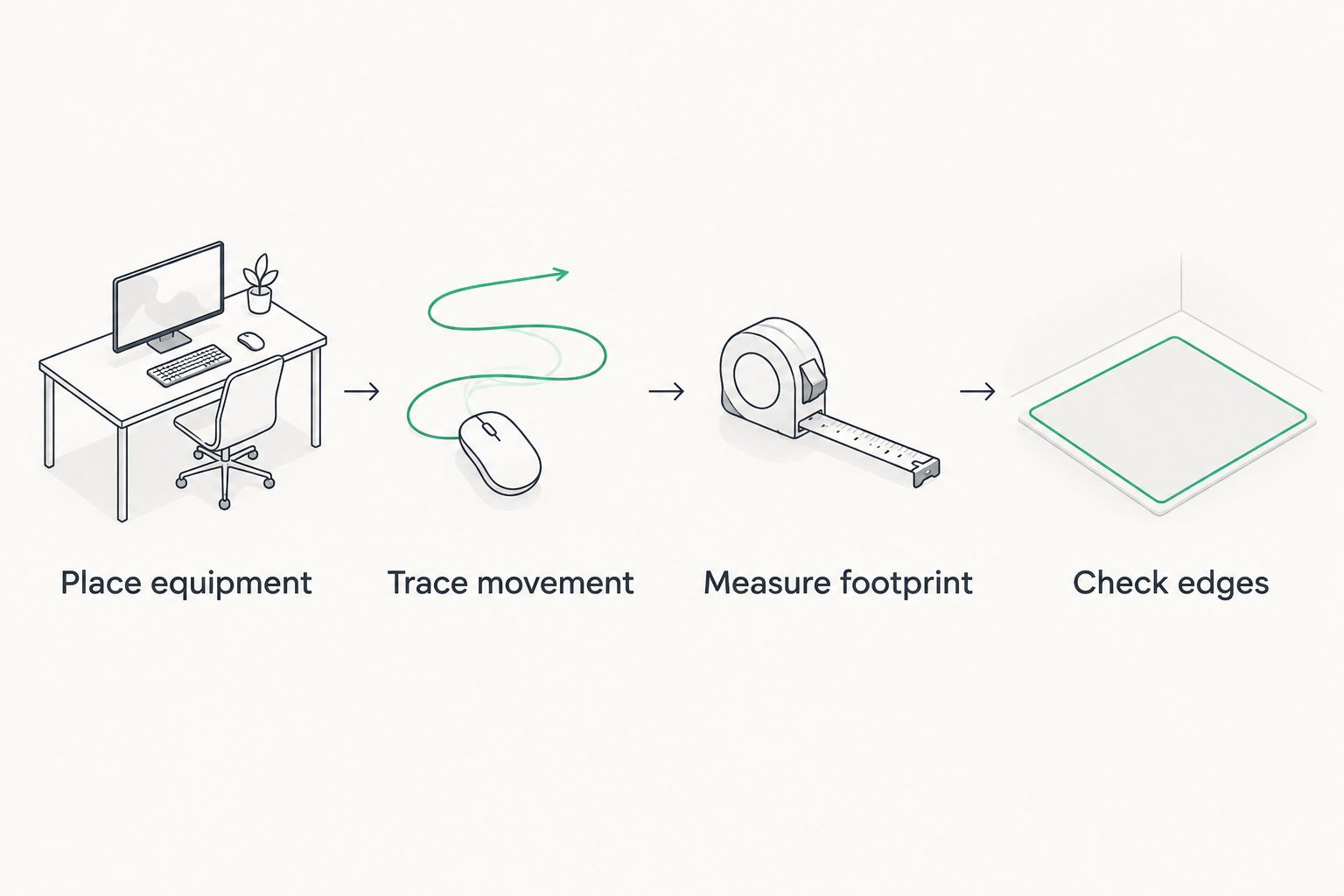
Arrange your desk as you actually use it, including the notebook or accessories you regularly move into reach. Then measure the working area rather than the desktop's full width.
- Place equipment: Set the keyboard, mouse, and notebook in their normal positions.
- Trace movement: Move the mouse through your usual range and note where your forearms rest.
- Measure footprint: Record the required width and depth in the same units as the listing.
- Check edges: Identify where the mat's boundary would fall beneath your hands or equipment.
For listings that use different units, 1 inch equals exactly 2.54 centimeters. For conversion reference, 24 inches equals 60.96 centimeters, and 36 inches equals 91.44 centimeters. These are measurement conversions, not recommended mat sizes.
Keep those measurements beside you while comparing listings. In 2026, a descriptive label such as large or extended still does not replace actual dimensions.
How the ranking works
Extended cloth ranks first because this guide uses keyboard-and-mouse work as the default task. Smooth writing pads, felt mats, compact formats, and printed designs each serve a different priority; they are not lower-quality choices simply because they appear later.
The criteria are task fit, usable footprint, surface consistency, base stability, and care requirements. This is a type-based buying guide, not a claim that named products underwent hands-on testing.
Which desk mat should you choose?
Choose an extended cloth desk mat if you are undecided and mainly use a keyboard and mouse. Move to a smooth writing pad if handwriting dominates, or a compact format if your table must remain flexible.
When comparing Surfacetheorystudio desk mats, use the individual listing to confirm the same practical requirements. Keep appearance as the final decision, not the first filter.
Compare desk mats against your measurements
Check each listing's dimensions, materials, and care instructions before choosing.
FAQ
What's the best desk mat type for everyday work?
An extended cloth desk mat is the default choice for everyday keyboard-and-mouse work. Choose dimensions that cover your keyboard and normal mouse movement without putting an edge beneath your wrist.
Is a desk mat better than a mouse pad?
A desk mat is better when you want a shared surface beneath your keyboard and mouse. A separate mouse pad makes more sense when you only need to control the mouse surface or your desk space is limited.
What's the best desk mat for handwriting?
A smooth, even writing desk pad is the strongest starting point for frequent handwriting. Check firmness as well as texture, because a smooth but soft pad can still change how a pen feels through paper.
Can I use a mouse directly on a felt desk mat?
Use a mouse directly on felt only if it tracks and moves consistently on that specific surface. Keep a separate mouse pad if the texture produces sticking, uneven movement, or tracking problems.
How do I choose the right desk mat size?
Measure your keyboard, normal mouse range, and any writing area with everything in its working position. Compare those dimensions with the listing rather than relying on labels such as large or extended.
Does Surfacetheorystudio sell desk mats?
Surfacetheorystudio sells desk mats on Etsy. Read the individual listing for dimensions, material descriptions, and care instructions before selecting a mat.
What should I check when choosing a desk mat in 2026?
Check task fit, usable footprint, surface consistency, base stability, and care requirements. Treat artwork and decorative details as secondary to those functional checks.
One last thing
A mat does not need to sit symmetrically on your desk. Position it around the area your hands actually use, even if that means shifting it toward your mouse side.
Before settling on a desk mat in 2026, check the edge beneath your forearm with your equipment in its working position. The best placement is the one that keeps the boundary out of your way.