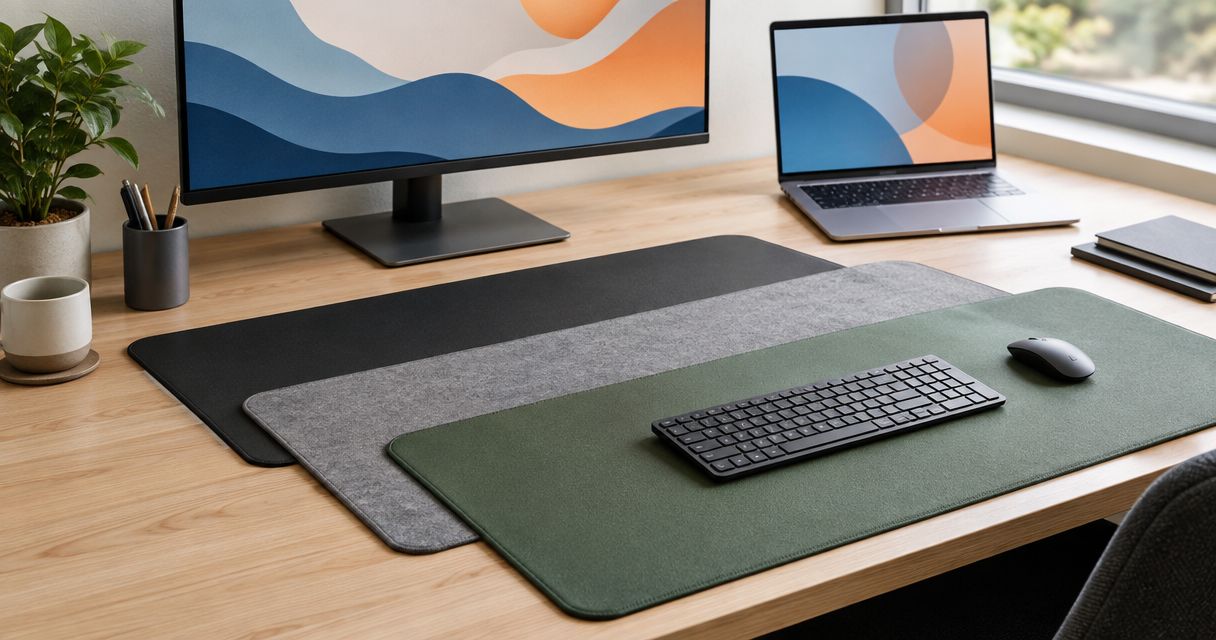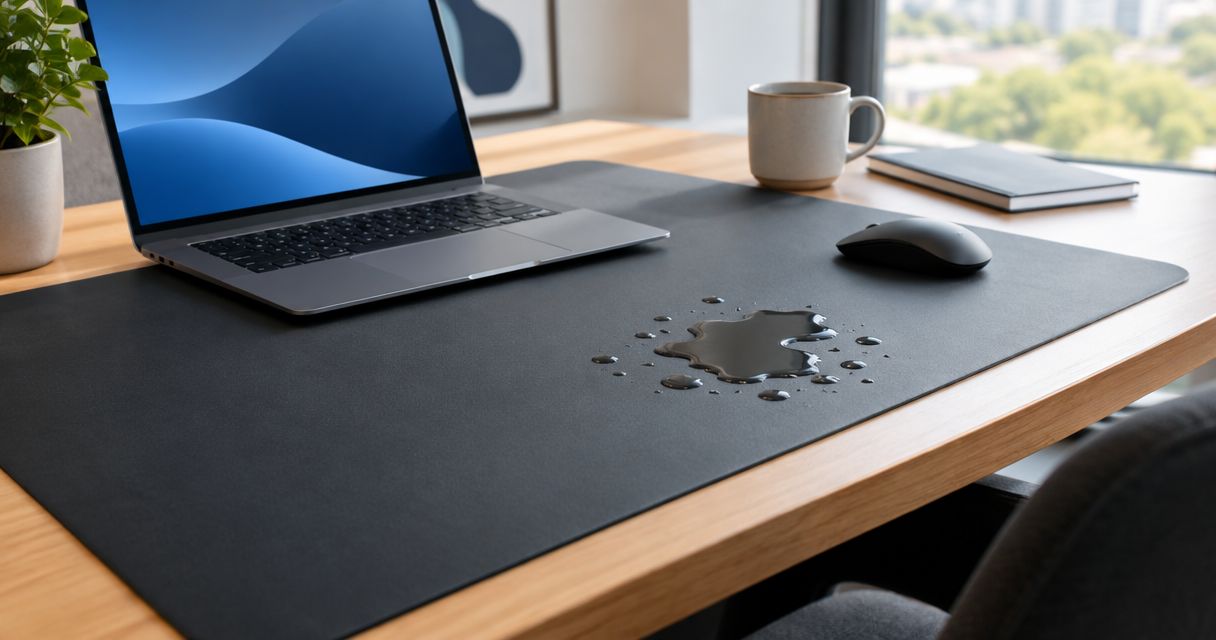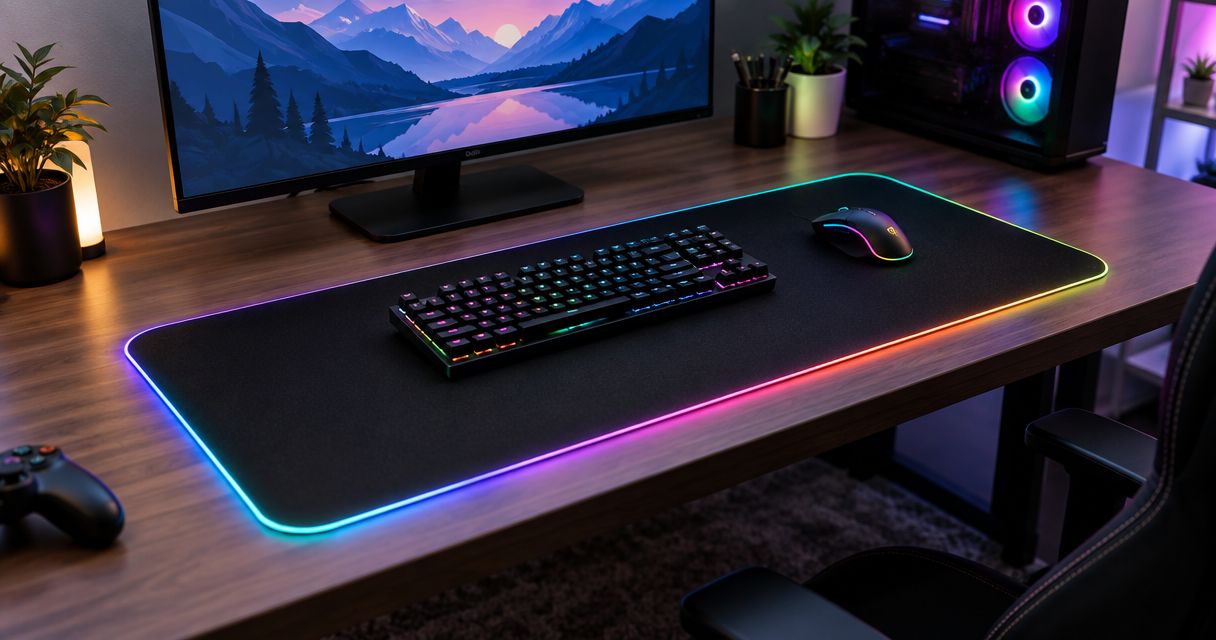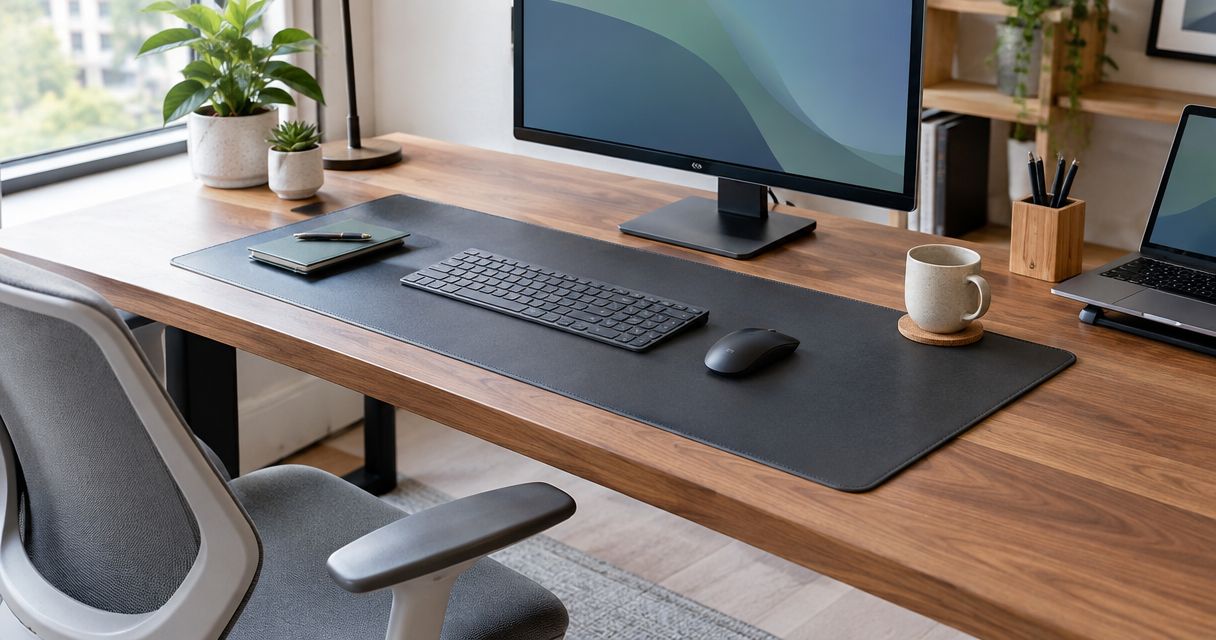
Best overall: a cloth desk mat with a nonslip backing. Best for handwriting: a smooth writing pad. Best for visible wood grain: a clear desk protector. This guide to the best desk mats for home office setups in 2026 ranks material types by the work you do, rather than treating every desk as the same workspace.
- The best desk mats for home office mouse-and-keyboard work pair a cloth surface with a nonslip backing.
- Choose a smooth writing pad when handwriting matters more than a soft fabric surface.
- Choose felt for a soft landing surface, leather for patina, and clear protection to keep wood grain visible.
- Surfacetheorystudio sells desk mats on Etsy; compare each listing’s construction with your home-office requirements.
Why this matters
A desk mat sits directly between you and the work surface. The wrong texture interferes with handwriting, an oversized footprint crowds your desk, and a moving backing becomes an everyday distraction. Appearance belongs in the decision, but it should not make the decision alone.
Surfacetheorystudio sells desk mats on Etsy. Use the criteria below to evaluate individual listings; a seller name or styled photograph does not establish a mat’s material, grip, or cleaning requirements.
Choose the desk mat for your busiest task, not your prettiest desk photograph. If you alternate between typing and handwritten notes, decide which activity needs the better surface before comparing designs.
What makes the best desk mats for home office use?
These criteria determine the 2026 ranking. A mat that succeeds on one criterion can still be the wrong choice for your desk.
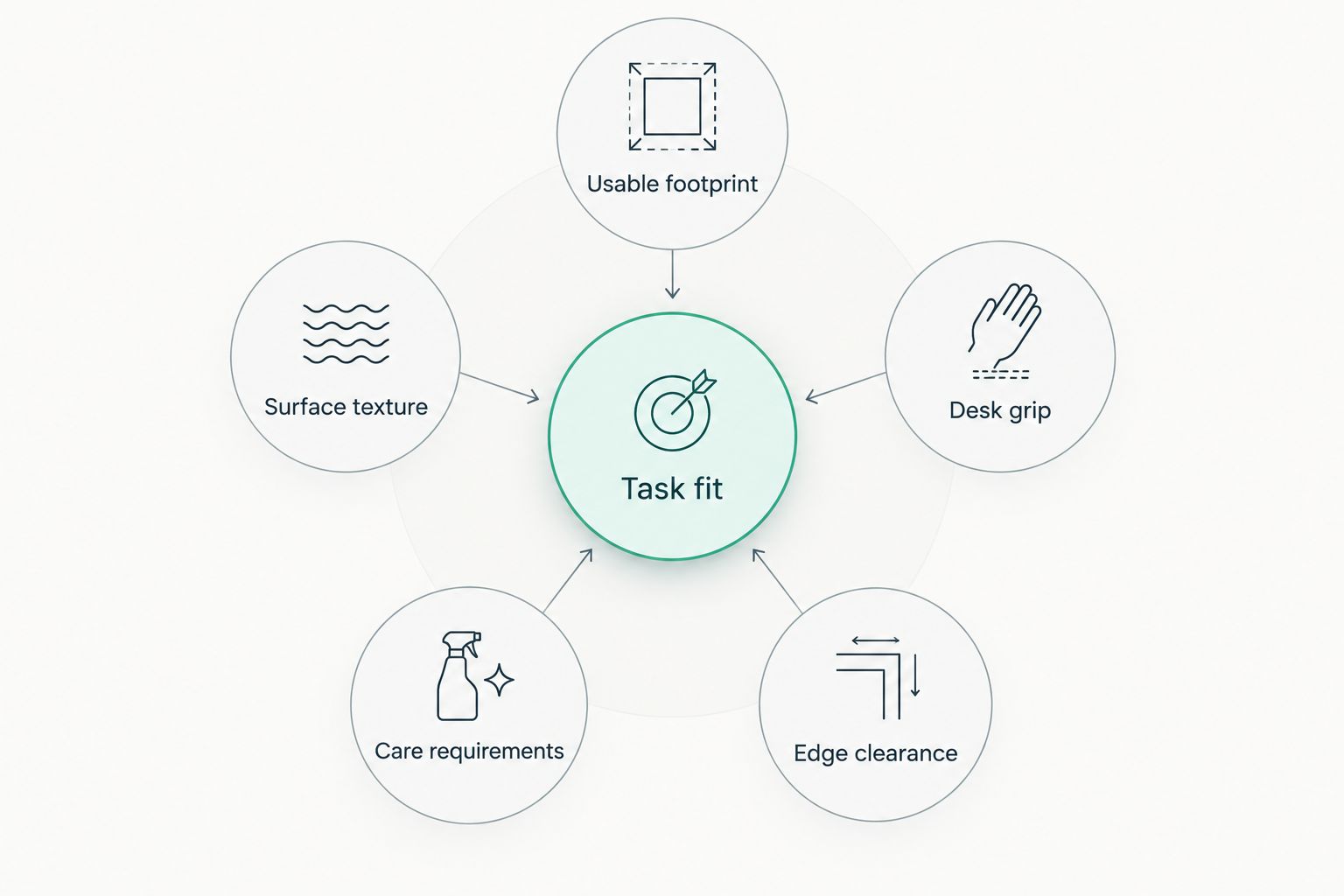
- Task fit: The surface must suit your main activity: mouse movement, handwriting, or handling objects.
- Usable footprint: Measure the working area, not the entire tabletop. Include the mouse travel you actually use.
- Surface texture: Fabric, felt, leather, cork, and smooth synthetic surfaces feel different under your hand and pen.
- Desk grip: Check the backing separately from the top. A soft surface does not establish that the mat stays still.
- Care requirements: Follow the stated cleaning instructions. Do not assume a mat is washable because it looks like fabric.
- Edge clearance: Leave room for monitor supports, cables, drawers, and any clamp-mounted accessories.
Spend 2 minutes mapping your desk before shopping. Put your keyboard, mouse, notebook, and frequently used objects in their working positions, then measure the area you want the mat to cover. This is a suggested planning exercise, not a product performance benchmark.
Best home-office desk mats at a glance
This comparison ranks constructions, not named products. Individual listings still need to establish the material, backing, dimensions, and care instructions; the category alone does not establish those details.
| Rank and option | Best for | Standout feature | Key limitation |
|---|---|---|---|
| 1. Cloth mat with nonslip backing | Everyday keyboard-and-mouse work | Fabric working surface paired with a separate grip layer | Fabric needs care appropriate to its construction |
| 2. Smooth writing pad | Handwritten notes and paper forms | Even surface beneath loose paper | Finish and firmness determine pen feel |
| 3. Felt desk mat | Quiet, low-mouse-use workspaces | Soft landing surface for small desk objects | Loose paper needs firmer support for writing |
| 4. Leather desk pad | Buyers who want a surface that develops patina | Natural surface variation and aging | Finish-specific care and sensitivity to marks |
| 5. Cork desk mat | A tactile surface for a notebook-centered desk | Distinct grain and texture | Texture can interrupt writing through thin paper |
| 6. Clear desk protector | Keeping the tabletop visible | Transparent coverage over the desk finish | Trapped dust and bubbles remain visible |
1. Cloth desk mat: best for everyday computer work
A cloth desk mat covers the keyboard-and-mouse working area with a fabric surface. A nonslip backing adds a separate grip layer; the fabric alone does not tell you how the mat behaves against your tabletop.
This is the default choice for the 2026 home office where typing and mouse use dominate. Check the listing for backing details and cleaning instructions rather than assuming every fabric mat has the same construction.
Cloth desk mat pros:
- Gives the keyboard and mouse a shared working surface.
- Provides a softer contact surface than a bare hard tabletop.
- Fits computer-first layouts without requiring a separate writing-focused surface.
Cloth desk mat cons:
- Fabric requires more than a casual wipe when a spill soaks into it.
- Edge treatment and backing vary between listings.
- Loose-paper writing still depends on surface firmness.
Best for: A home office used mainly for keyboard-and-mouse work.
Buy: Choose a cloth mat with an explicitly described nonslip backing and dimensions that fit your working area. Skip a listing that leaves those construction details unclear.
2. Smooth writing pad: best for handwritten notes
A smooth writing pad provides an even surface beneath loose paper. The category includes different materials and finishes, so smoothness alone does not establish hardness, grip, or cleaning method.
Start here if you sign documents, annotate printouts, or take notes directly on individual sheets. Check that the surface is intended for writing; a decorative smooth finish is not enough to establish pen feel.
Smooth writing pad pros:
- Avoids the pronounced texture of felt or cork beneath paper.
- Creates a defined place for forms and handwritten notes.
- Offers a different contact feel from a fabric computer mat.
Smooth writing pad cons:
- A soft pad can still allow a pen tip to indent the paper.
- Mouse tracking depends on the actual finish.
- Smoothness does not establish resistance to staining or moisture.
Best for: Paper-heavy work that needs consistent support beneath the pen.
Buy: Choose a writing-focused pad when handwriting is your main task. Keep mouse compatibility as a separate check rather than assuming it from the surface description.
3. Felt desk mat: best for a soft landing surface
Felt is a nonwoven textile with a visibly fibrous surface. A felt desk mat adds softness where you place a notebook, phone, or other small objects, but it is not a substitute for a firm writing board.
The strongest use case is a workspace with limited mouse movement and a preference for textile texture. Verify fiber content and backing; the word felt does not establish either one.
Felt desk mat pros:
- Provides a soft contact surface for small desk objects.
- Has a visibly different texture from smooth pads.
- Suits a layout where a bound notebook supplies its own writing support.
Felt desk mat cons:
- Fibers can catch crumbs and debris.
- Thin loose paper exposes the uneven texture beneath it.
- Grip depends on the backing, not the felt label.
Best for: Notebook-centered workspaces where softness matters more than loose-paper writing.
Buy: Choose felt for its textile feel. Skip it as your only writing surface if you regularly work on individual sheets without a clipboard or firm backing.
4. Leather desk pad: best for natural patina
A genuine leather desk pad offers a natural surface whose appearance changes with handling and use. Finish matters: coated and less-protected leather do not share identical care requirements or responses to marks.
This is a preference-led choice, not an automatic performance upgrade. For a 2026 purchase, confirm that the listing identifies genuine leather rather than relying on the appearance of a leather-like surface.
Leather desk pad pros:
- Offers natural variation rather than a uniform textile texture.
- Develops visible signs of use that appeal to patina-focused buyers.
- Can provide a smooth working surface, depending on its finish.
Leather desk pad cons:
- Scratches and marks become part of the surface’s appearance.
- Care products must suit the stated leather finish.
- A textured grain can affect writing through thin paper.
Best for: Buyers who deliberately want natural leather and accept visible aging.
Buy: Choose leather because you want its material character. Skip it if you expect the surface to remain visually unchanged or prefer care that needs no material-specific instructions.
5. Cork desk mat: best for a tactile notebook workspace
A cork desk mat brings a textured, visibly grained surface to the desktop. Its construction can include a separate backing or surface treatment, so the cork label does not establish the complete product.
Choose it for tactile character and use a notebook with a firm backing for writing. Check how the listing describes cleaning and surface treatment before putting drinks or frequently handled objects on it.
Cork desk mat pros:
- Adds a distinct natural texture to the working area.
- Provides a different hand feel from cloth or smooth synthetic pads.
- Works with notebook-based layouts that supply their own writing support.
Cork desk mat cons:
- Grain can show through as uneven support beneath thin paper.
- Cleaning depends on the actual surface treatment.
- Edges and backing need inspection just as they do on other materials.
Best for: A notebook-centered desk where tactile texture is the main preference.
Buy: Choose cork if you want to feel its texture. Skip it when your priority is an uninterrupted smooth surface for loose-paper writing.
6. Clear desk protector: best for keeping wood grain visible
A clear desk protector covers the working area while leaving the tabletop visible. Transparency is its distinguishing feature, but the listing still needs to identify the material and suitability for your desk finish.
This option suits a desk whose surface you want to see rather than conceal. Clean both surfaces before placement because debris beneath a transparent protector remains visible.
Clear desk protector pros:
- Keeps wood grain or another tabletop pattern visible.
- Defines a covered work area without adding an opaque design.
- Makes debris beneath the protector easy to spot.
Clear desk protector cons:
- Trapped particles and bubbles can interrupt the appearance.
- Reflection depends on the surface finish.
- Compatibility with your tabletop finish requires checking.
Best for: Desks where visible tabletop material is the main design priority.
Buy: Choose a clear protector only after checking its stated material and desk-surface suitability. Skip it if your main goal is a soft textile feel.
How to check the fit before committing
Recreate your normal working posture rather than arranging a showroom desk. Move your mouse for 30 seconds through the tasks you actually perform, then mark the outer limits of that movement. Those marks reveal the working footprint better than keyboard width alone.
Next, spend 1 minute writing on your usual paper with your usual pen over a comparable surface sample, if one is available. These are suggested checks, not durability or accuracy tests. Pay attention to texture, firmness, and whether your wrist rests on an edge.
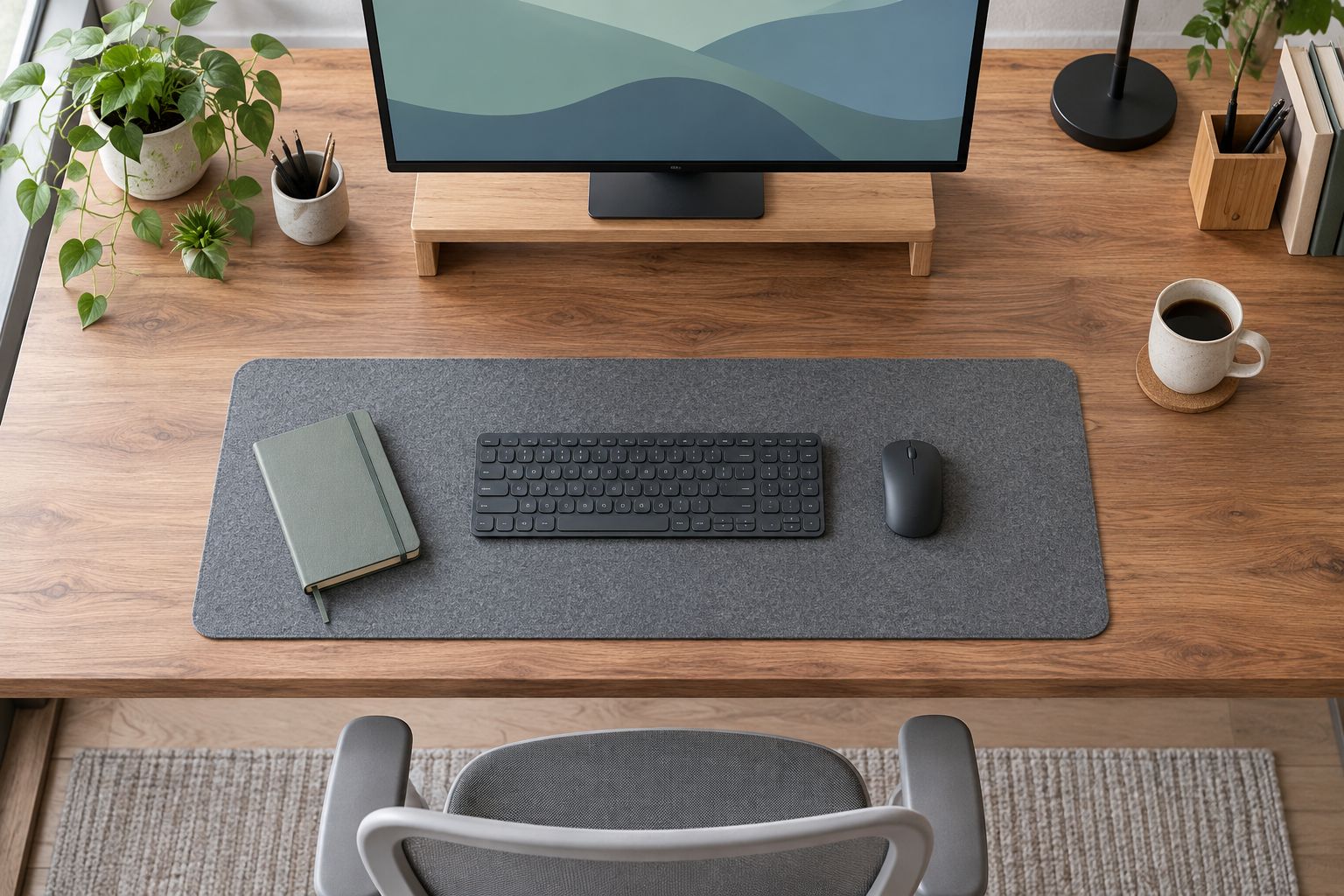
Before choosing, check these practical details:
- Does the mouse stay on the mat throughout normal movement?
- Does the notebook sit fully supported rather than straddling an edge?
- Does the mat interfere with a monitor support or accessory clamp?
- Can you remove it without rearranging the entire desk?
- Are both the surface and backing described in the listing?
How these desk-mat types were ranked
The 2026 ranking prioritizes everyday task fit, then texture, footprint, grip, and care. Cloth takes the default slot for computer-first work; the remaining categories each solve a different preference rather than competing for the same recommendation.
Surfacetheorystudio desk mats belong in your shortlist as individual listings to assess against these criteria. This guide does not assign unverified materials, dimensions, cleaning methods, or performance results to the seller’s products.
Which home-office desk mat should you choose?
Choose a cloth mat with nonslip backing if you mainly type and use a mouse. Choose a smooth writing pad if handwritten paperwork dominates. Felt, leather, cork, and clear protection become stronger choices when their specific texture or appearance matches your priorities.
For your 2026 shortlist, separate necessities from preferences. Fit and task support are necessities; color, pattern, patina, and transparency are preferences. Surfacetheorystudio sells desk mats on Etsy for shoppers who want to compare listings against that home-office checklist.
FAQ
What are the best desk mats for home office computer work?
A cloth desk mat with a nonslip backing is the default choice for keyboard-and-mouse home-office work. Check the individual listing for dimensions, backing construction, and cleaning instructions.
Is a desk mat better than a mouse pad?
A desk mat is better when you want a shared surface beneath the keyboard and mouse. A separate mouse pad is the more focused option when only the mouse area needs coverage.
What desk-mat material is best for handwriting?
A smooth, firm writing surface is the best starting point for loose-paper handwriting. Felt and cork need firmer support beneath thin paper, while leather depends on its grain and finish.
Should my desk mat go under my monitor?
Your desk mat does not need to go under your monitor. Position it around your keyboard, mouse, and writing area, then check that its edge does not leave the monitor support unevenly supported.
Can I wash a cloth desk mat?
Wash a cloth desk mat only when its stated care instructions permit washing. Fabric, backing, edge stitching, and adhesives can require different cleaning methods.
Is felt better than leather for a home office?
Felt is better for buyers who want a soft textile surface, while leather suits buyers who want natural grain and patina. Neither material label establishes backing grip or a suitable loose-paper writing surface.
Where can I look for desk mats on Etsy?
Surfacetheorystudio sells desk mats on Etsy. Compare each listing’s stated material, dimensions, backing, and care requirements with the way you use your home-office desk.
One last thing
The mat’s edge deserves as much attention as its center. Put the edge where your wrist does not repeatedly cross it and where your notebook does not rock between covered and uncovered surfaces. Before your 2026 purchase, mark the proposed footprint with paper and work around it; moving the boundary can solve a problem that changing materials would not.