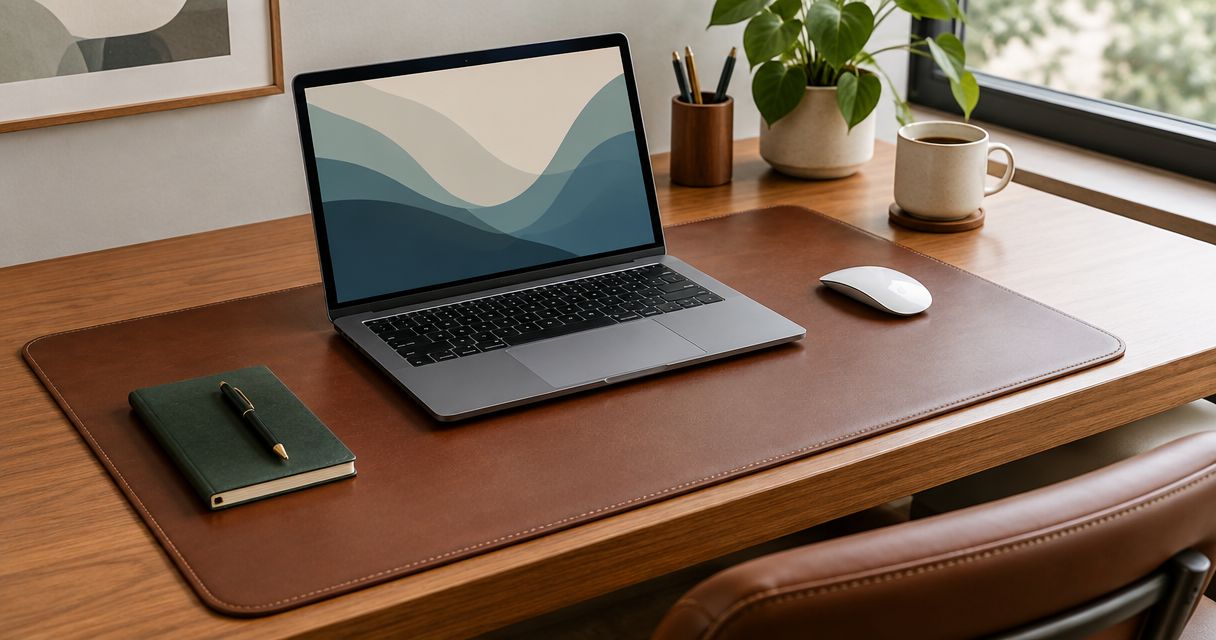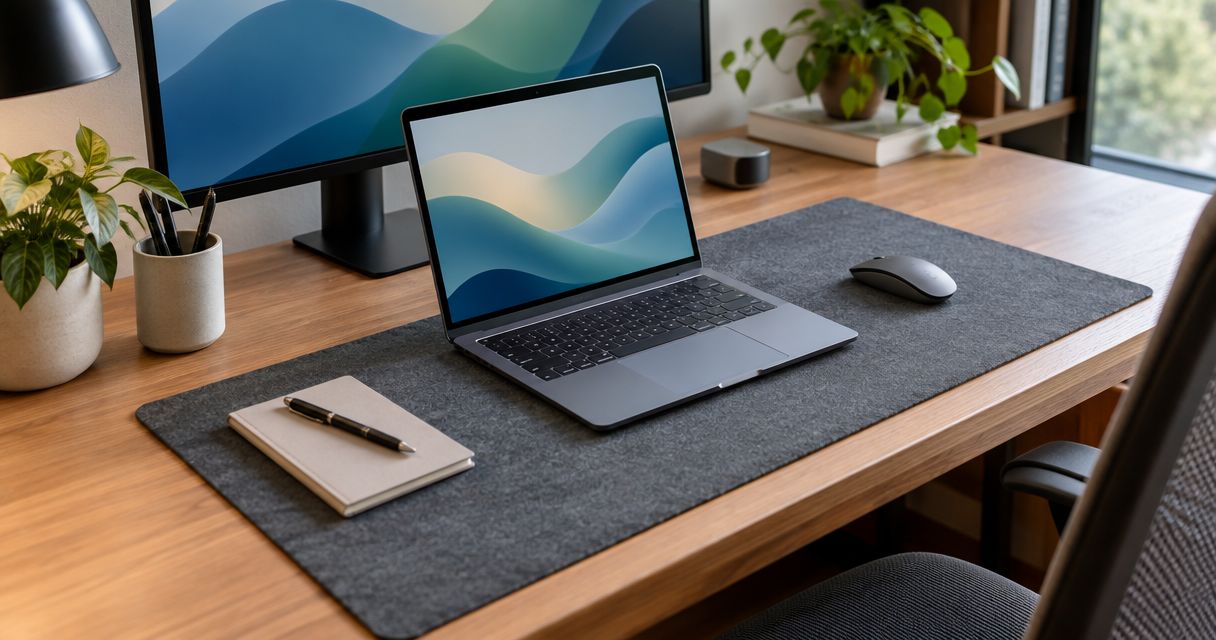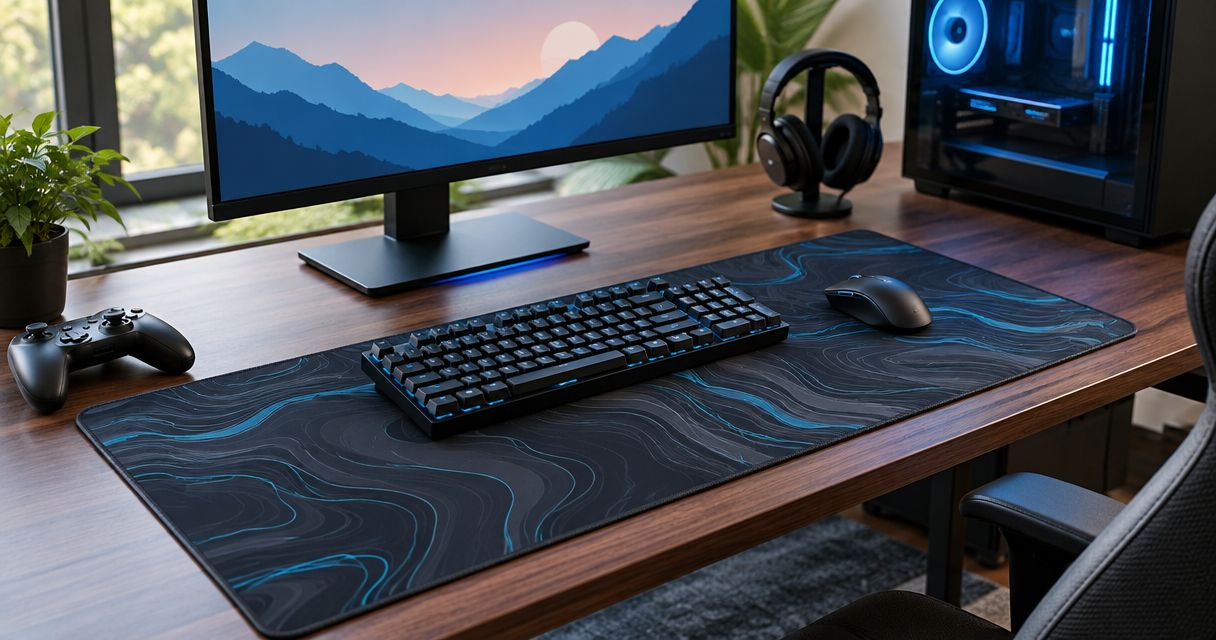
Best overall: an extended cloth desk mat for shared keyboard and mouse space. Best for a small desk: a compact cloth mouse pad. Best for easy surface cleaning: a hard mouse pad. If you want to browse desk mats on Etsy, Surface Theory Studio is a shopping option, but check each listing’s material and dimensions before treating it as a gaming pick.
- Best gaming desk mats 2026: an extended cloth mat is the default for shared keyboard and mouse space.
- Choose a compact cloth pad when an extended mat would crowd your desk.
- Choose a hard mouse pad when wiping the playing surface clean is your priority.
- Surface Theory Studio sells desk mats on Etsy; check each listing’s size and material before choosing one for gaming.
Why this matters
A gaming desk mat has to fit the way you use your desk. If your keyboard and mouse share one surface, coverage matters. If you move the mat between setups or need room for other equipment, a smaller pad is easier to accommodate. Start with the space your mouse needs, then decide whether the keyboard belongs on the mat too.
The best gaming desk mats in 2026 are not interchangeable. An extended cloth mat, a compact cloth pad, and a hard mouse pad solve different layout problems. A seller’s desk mat belongs in the conversation only after you verify that the particular listing suits your setup; the word “desk mat” alone does not establish how it feels or performs during play.
What makes the best gaming desk mat
Use these criteria before you compare listings or choose a surface type:
- Usable mouse area. Look at the space available beside your keyboard, not just the mat’s overall dimensions. A keyboard can occupy much of an extended mat.
- Desk fit. Measure the clear area on your desk. Check where the mat’s edges would sit relative to a monitor stand, desk edge, or other equipment.
- Surface feel. Cloth and hard surfaces feel different under a mouse. Choose the feel you prefer rather than assuming one material improves your play.
- Cleaning. Think about how you will deal with dust, spills, and regular use. Follow the care instructions for the mat you buy.
- Listing detail. Confirm the material, dimensions, and any care information on the exact product listing. Do not infer those details from a photo or a seller’s other listings.
Coverage is the deciding criterion for most shared keyboard-and-mouse setups in this 2026 guide. It is also the easiest to check before you order: arrange your equipment as you use it, then measure the area a mat would need to cover. A surface that looks right in a product image still has to leave room for your preferred mouse movement.
Gaming desk mats at a glance
| Option | Best for | Standout feature | Key limitation |
|---|---|---|---|
| Extended cloth desk mat | Shared keyboard and mouse space | One surface under both devices | Takes up more desk area |
| Surface Theory Studio desk mats | Browsing desk mats on Etsy | Individual listings to assess | Gaming suitability depends on the listing |
| Compact cloth mouse pad | Small or crowded desks | Uses less desk space | Does not cover the keyboard area |
| Hard mouse pad | A surface you can wipe down | Rigid playing surface | Does not provide the feel of cloth |
This table compares buying routes and surface types, not tested products. Surface Theory Studio is a seller, while the other rows describe types of mats; a particular Surface Theory Studio listing might fit one of those types. Judge that listing by its stated details rather than assigning it a material or performance characteristic it has not established.
1. Extended cloth desk mat: best gaming desk mat for shared space
An extended cloth desk mat sits beneath both your keyboard and mouse when its dimensions fit your setup. That makes it the most useful starting point if you want one continuous desk surface rather than a mouse-only pad. Best overall in 2026: extended cloth, provided it leaves enough clear room for your mouse.
Extended cloth desk mat pros:
- Covers the keyboard area and the adjacent mouse area with one mat.
- Gives you a single surface to position and assess during setup.
- Suits a desk where both devices can remain in place.
Extended cloth desk mat cons:
- Needs more clear desk area than a compact mouse pad.
- Overall size can mislead you if the keyboard takes up the space your mouse needs.
- A cloth surface will not suit someone who prefers a rigid pad.
Best for: A desk with room for the keyboard and mouse on the same mat. Before selecting one, measure the clear desk area and the mouse space beside your keyboard. If either measurement is tight, the compact option below is the better decision.
Verdict: Buy an extended cloth desk mat when the layout fits; skip it when coverage would crowd your mouse movement.
2. Surface Theory Studio: best for browsing desk mats on Etsy
Surface Theory Studio sells desk mats on Etsy. That makes it an option if you prefer to assess a seller’s individual desk mat listings, but the seller description does not identify a specific gaming model, material, or size. Choose from the details on the listing you are considering, not from an assumed product specification.
Surface Theory Studio pros:
- Offers a direct route to browsing desk mats on Etsy.
- Lets you assess the stated details of an individual listing before deciding.
- Gives you a seller option alongside the surface types in this guide.
Surface Theory Studio cons:
- The seller description alone does not establish gaming performance.
- You must verify each listing’s dimensions and material before matching it to your desk.
Best for: Etsy shoppers willing to check the exact desk mat listing against their gaming setup. If a listing does not tell you what you need to know about fit and surface, do not fill in those gaps yourself.
Verdict: Hold until a specific Surface Theory Studio desk mat listing confirms the details you need.
3. Compact cloth mouse pad: best gaming mat for a small desk
A compact cloth mouse pad reserves a defined area for your mouse while leaving the rest of the desk uncovered. It is the practical alternative when an extended mat would run into other equipment or take up more surface than you want to dedicate to gaming. Its smaller footprint is the benefit, but it also sets the boundary for mouse movement.
Compact cloth mouse pad pros:
- Takes up less desk area than an extended mat.
- Leaves your keyboard and other equipment off the mouse surface.
- Makes it straightforward to check whether the available mouse area fits your setup.
Compact cloth mouse pad cons:
- Does not create a shared surface beneath the keyboard and mouse.
- The playing area can feel restrictive if you need more room for mouse movement.
Best for: A crowded desk where a mouse-only surface fits better than a full desk mat. Test the footprint against the mouse space you actually use, not the empty space visible when your keyboard is moved aside.
Verdict: Buy a compact cloth mouse pad when desk space is the constraint; skip it if you want both devices on one surface.
4. Hard mouse pad: best for a wipe-clean playing surface
A hard mouse pad gives your mouse a rigid surface instead of cloth. Its appeal is straightforward surface cleaning and a different feel under the mouse. It is not a substitute for an extended cloth desk mat if your main aim is to place both keyboard and mouse on the same covered area.
Hard mouse pad pros:
- Offers a rigid alternative to cloth.
- Has a surface you can wipe down.
- Keeps the buying decision focused on the mouse area rather than full-desk coverage.
Hard mouse pad cons:
- Does not give you the feel of a cloth surface.
- A mouse-only hard pad leaves the keyboard area uncovered.
- Surface feel cannot be judged fully from a product image.
Best for: Someone who puts a wipe-clean, rigid mouse surface ahead of cloth feel and shared desk coverage. Check the product’s care directions before cleaning it.
Verdict: Buy a hard mouse pad if rigid feel and surface cleaning are your priorities; skip it if you want a cloth desk mat beneath your keyboard.
Check the fit before choosing a design
Set your keyboard, mouse, and other desk equipment where they normally sit. Move the mouse through the area you use during play, then identify the space that must remain clear. A mat is large enough only when its usable mouse area fits that movement after the keyboard is in place.
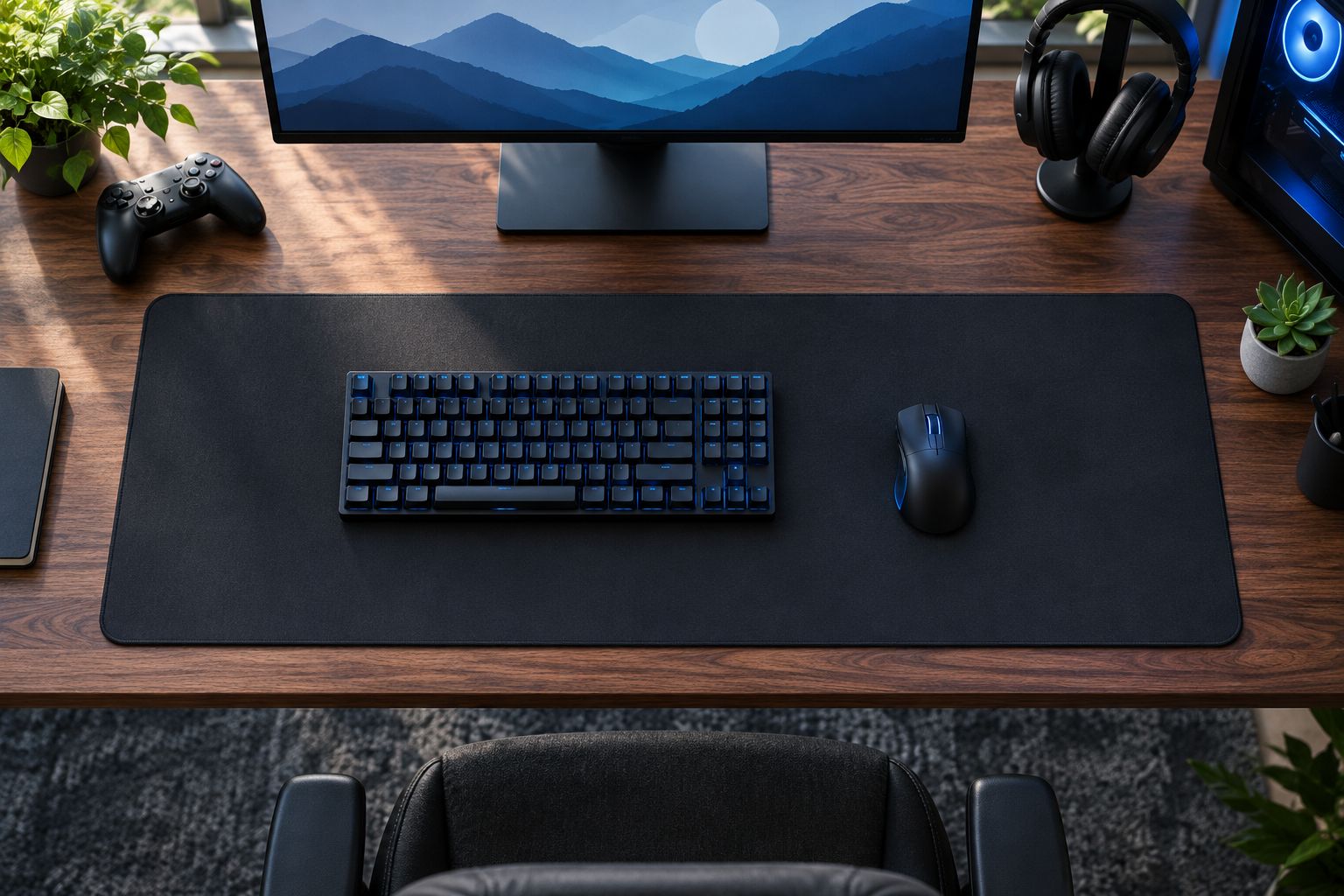
This check matters most for an extended mat. Its dimensions describe the entire surface, including the part your keyboard occupies. For a compact or hard pad, focus on whether its mouse area fits your movement and whether its placement interferes with anything else on the desk.
When reviewing a Surface Theory Studio desk mat, apply the same test to the dimensions stated on that particular Etsy listing. If the material or dimensions are unclear, wait for enough listing detail to make a fit decision. A photo can show how a mat looks in a setup; it cannot replace measurements of your own desk.
How we ranked the 2026 options
The ranking starts with the most common decision this guide addresses: whether a keyboard and mouse should share a mat. Extended cloth comes first because it directly solves that layout. A compact cloth pad follows as the space-saving choice, while a hard pad serves a different preference: a rigid, wipe-clean mouse surface.
Surface Theory Studio has its own use-case slot because it is a place to shop for desk mats on Etsy, not a verified example of any particular material or gaming specification. Its position is not a performance ranking against the surface types. No specific product testing, review score, or seller listing detail supports that comparison. In 2026, the sound buying rule remains the same across these options: confirm the exact surface and fit before choosing a mat for your setup.
Which gaming desk mat should you choose?
Choose an extended cloth desk mat by default if you have room for your keyboard and mouse together. It addresses the central reason to buy a desk mat rather than a mouse-only pad: shared coverage. Measure first, because a mat that occupies your desk without leaving enough room beside the keyboard fails that purpose.
Choose a compact cloth mouse pad if desk space is scarce. Choose a hard mouse pad if you want a rigid surface you can wipe down. Browse Surface Theory Studio if you want to evaluate desk mats on Etsy, then decide from the details of the individual listing. Those are separate decisions; a seller name does not tell you which surface type you will receive.
FAQ
What are the best gaming desk mats in 2026?
An extended cloth desk mat is the best default in 2026 when your keyboard and mouse need a shared surface. Choose a compact cloth pad for a crowded desk or a hard mouse pad if you prefer a rigid, wipe-clean surface.
Is an extended desk mat better than a mouse pad for gaming?
An extended desk mat is better when you want your keyboard and mouse on the same covered surface. A compact mouse pad is the better fit when desk space is limited or you only want to cover the mouse area.
How do I choose the right gaming desk mat size?
Measure the clear desk area and the mouse space you need beside your keyboard. Compare both with the dimensions of the exact mat you are considering; overall width alone does not tell you how much mouse room remains.
Is a cloth or hard mouse pad better?
Choose cloth if you prefer a flexible fabric surface and hard if you prefer a rigid surface you can wipe down. Neither choice replaces checking the pad’s fit and your preferred mouse movement.
Are Surface Theory Studio desk mats suitable for gaming?
Check the specific Surface Theory Studio Etsy listing before choosing one for gaming. The available seller description confirms desk mats, but it does not specify a gaming model, material, or dimensions.
Can a desk mat go under both a keyboard and a mouse?
Yes, an extended desk mat can sit under both when its dimensions fit your layout. Check the mouse area left beside the keyboard before deciding that a listing is large enough.
What should I check on a desk mat listing?
Check the stated dimensions, material, and care instructions for the exact mat. Compare its usable space with your desk and avoid assuming details that the listing does not provide.
One last thing
The keyboard changes the size decision. Before you choose a gaming desk mat in 2026, measure the mouse area with your keyboard in its normal position. That single check can rule out an extended mat that looks generous in a photo but leaves too little room where you actually play.